Skip to content

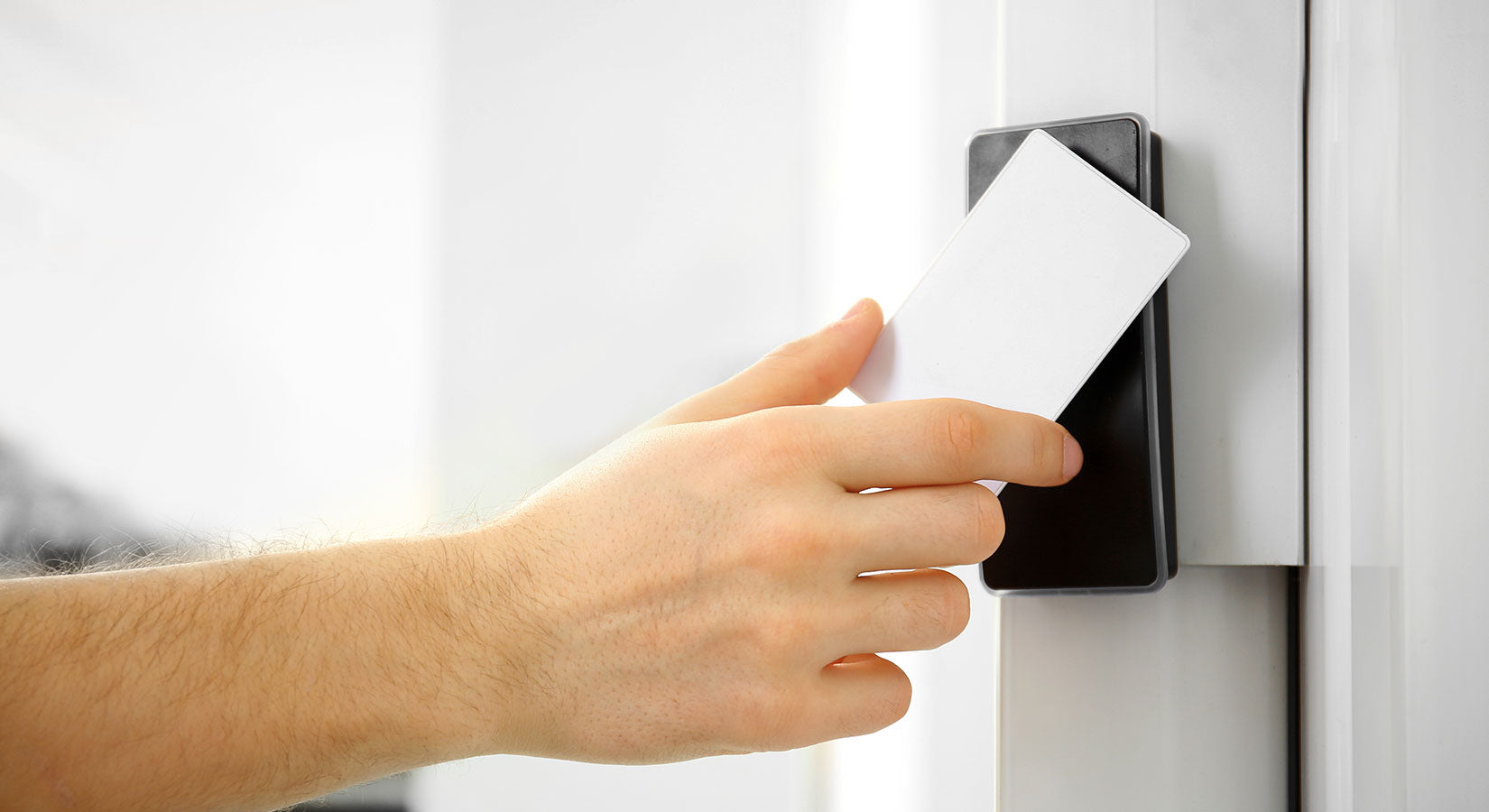
Few buildings have to do two opposite jobs at once the way government facilities do. A courthouse, city hall, or federal office has to stay open and welcoming to the public, while protecting employees, sensitive records, and critical operations behind the scenes.
That balance is what makes government facility access control its own discipline. It isn’t just about locking doors. It’s about verifying identity, meeting strict federal standards, and scaling security to match the real risk a facility faces.
This guide breaks down how government facilities control access, from keycards and biometric access control to the compliance requirements that shape every decision, so you can see what a compliant, modern system actually looks like.
What makes government access control different
Most businesses secure a building. Government facilities have to secure a building, satisfy federal mandates, and stay accountable to the public at the same time.
A few things set these environments apart:
-
Higher stakes. The people, records, and operations inside often involve public safety, sensitive data, or critical infrastructure.
-
Mixed access needs. The same building may have public lobbies, staff-only offices, and tightly restricted zones.
-
Identity, not just entry. The core question isn’t “does this key work?” but “who is this person, and are they authorized?”
-
Audits and accountability. Systems must log who went where and when, and prove they meet required standards.
For federal facilities especially, access control is governed by layered federal mandates, so the first step is understanding the rules.
The compliance framework: federal mandates to know
A handful of standards define what government access control has to do. Even if you manage a state or local facility, these are the blueprint everyone builds from.
-
HSPD-12. Homeland Security Presidential Directive 12 (2004) created a government-wide requirement for a secure, reliable, common form of identification for federal employees and contractors.
-
FIPS 201 & PIV. The NIST standard FIPS 201 defines the Personal Identity Verification (PIV) credential, the smart-card “ID” that proves who someone is across federal facilities and systems.
-
FICAM. The Federal Identity, Credential, and Access Management framework is the overarching architecture for how agencies issue credentials and manage access to protected resources.
-
NIST SP 800-53. Because a modern Physical Access Control System (PACS) is a networked IT system, it must align with NIST’s security and privacy controls, including logging access events.
For city, county, and state buildings, these standards are often used as a best-practice guide even when they aren’t strictly required.
Facility Security Levels: why requirements scale
Not every government building needs the same security. The Interagency Security Committee (ISC) uses Facility Security Levels (FSL I–V) to match protection to risk, based on factors like a building’s size, population, mission, and threat profile.
-
Lower-level facilities may need controlled entry doors, visitor sign-in, and basic access logs.
-
Higher-level facilities may require hardened perimeters, vehicle screening, multi-factor identity checks, and continuous monitoring.
Knowing a facility’s security level tells you how far its access control program needs to go—and which credentials and layers make sense.
Credentials: keycards, PIV smart cards, and fobs
The credential is how the system knows who someone is. In government, that usually starts with a card.
PIV smart cards
Federal employees and contractors carry PIV cards that combine a photo, cryptographic credentials, and (usually) a fingerprint, so a single card works for both building access and computer login.
Keycards and fobs
For many state and local facilities, RFID keycards and fobs paired with keycards and card readers offer secure, easy-to-manage access that’s simple to issue and revoke.
PIN keypads
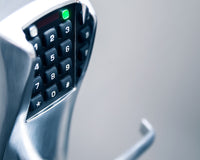
A keypad adds a “something you know” factor and is common on interior or lower-traffic doors. Access control keypads are an affordable way to add a layer without issuing new hardware to every user.
Whatever the credential, the advantage over a metal key is control: access can be issued, modified, or revoked instantly, so when an employee leaves or a contractor’s project ends, their access ends with it.
Biometric access control: how it works and why government relies on it
Biometric access control verifies identity using a unique physical trait, a fingerprint, face, iris, or palm vein, instead of, or in addition to, a card or PIN. Because you can’t lose, lend, or copy a fingerprint, it closes gaps that cards alone can’t.
Most systems follow the same three steps:
-
Enrollment. A scanner captures the trait and converts it into an encrypted digital template, not a stored photo of your face or finger.
-
Storage. That template is held securely on a card, a local controller, or a server.
-
Verification. At the door, the system scans the trait again and grants access only if it matches the template.
The most common modalities are:
-
Fingerprint. The most widely deployed option is fast, accurate, and cost-effective.
-
Facial recognition. Contactless, mapping facial geometry to confirm identity.
-
Iris or retina. Extremely accurate, often reserved for the highest-security areas.
-
Palm vein. Reads the vein pattern beneath the skin, internal and very hard to spoof.
Biometrics are already part of federal identity; PIV cards store fingerprint data, and standards continue to evolve to recognize additional factors like facial recognition. For a closer look, see our guides on integrating biometrics into an access control system and biometric security for government offices.
Because biometric data is sensitive, well-designed government systems store it as encrypted templates and protect it under the same controls as other federal data.
Keycard vs. biometric: which does a facility need?
For most government facilities, it isn’t either/or. A card answers “what do you have.” A biometric answers “who you are.” Combining them, multi-factor authentication, is what high-security areas rely on.
-
Use a keycard or PIV card for general building access and identification.
-
Add a biometric or PIN for sensitive zones like server rooms, evidence storage, or restricted offices.
-
Match the number of factors to the facility’s security level.
This layered approach gives you throughput where you need it and stronger assurance where the stakes are highest.
Layered protection: more than the front door
A compliant program is a system, not a single device. Access control works hand in hand with other layers:
-
Physical Access Control System (PACS). The readers, controllers, and software that manage credentials and doors.
-
Video surveillance. Visual verification and a recorded history of activity.
-
Intrusion detection. Alarms for forced doors, windows, and after-hours movement.
-
Visitor management. Sign-in, screening, and temporary credentials for the public and contractors.
Done well, these layers protect people first, the employees who work there, and the residents who visit a public building expecting it to be both open and safe.
Choosing compliant, government-ready equipment
Two rules guide almost every government procurement decision:
-
Buy approved hardware. Federal PACS components should be tested and listed on the GSA FICAM Approved Products List (APL); for state and local projects, look for products that meet the same standards.
-
Make sure it integrates. Readers, controllers, credentials, cameras, and visitor systems should work together on one platform rather than as disconnected parts.
Whether you’re upgrading a single entrance or planning a building-wide rollout, start by mapping your doors, security levels, and credential types. Our guide to planning a multi-door access control system walks through that process, and our full access control systems collection covers the readers, keypads, and credentials that bring it all together.
The right, standards-compliant equipment is the difference between a system that just locks doors and one that verifies identity, satisfies auditors, and scales with the mission.
Frequently asked questions
What is biometric access control?
Biometric access control is a security method that verifies identity using a unique physical trait, such as a fingerprint, face, iris, or palm vein, instead of relying only on a key, card, or PIN.
How does biometric access control work?
It works in three steps: enrollment (a trait is captured and converted into an encrypted template), storage (the template is stored securely), and verification (the trait is scanned again at the door and access is granted only on a match).
What credentials do federal facilities require?
Federal employees and contractors use PIV (Personal Identity Verification) smart cards under HSPD-12 and FIPS 201. These cards combine a photo, cryptographic credentials, and biometric data for both building and computer access.
Is a keycard or a biometric more secure?
A biometric is harder to lose, share, or copy than a card, but the strongest approach is multi-factor, pairing a card with a biometric or PIN for sensitive areas, scaled to the facility’s security level.
Security that respects the mission and the public
Government facility access control is a balancing act: meet strict federal standards, protect people and sensitive areas, and still keep public buildings open and welcoming.
The path is clearer than it looks. Understand the mandates (HSPD-12, FIPS 201, FICAM), match security to the facility’s level, choose the right mix of keycards and biometric access control, and build in layers on approved, integrated equipment.
Get those pieces right, and you end up with a system that does the quiet, essential work of confirming that everyone inside a government building has a reason to be there.