Skip to content

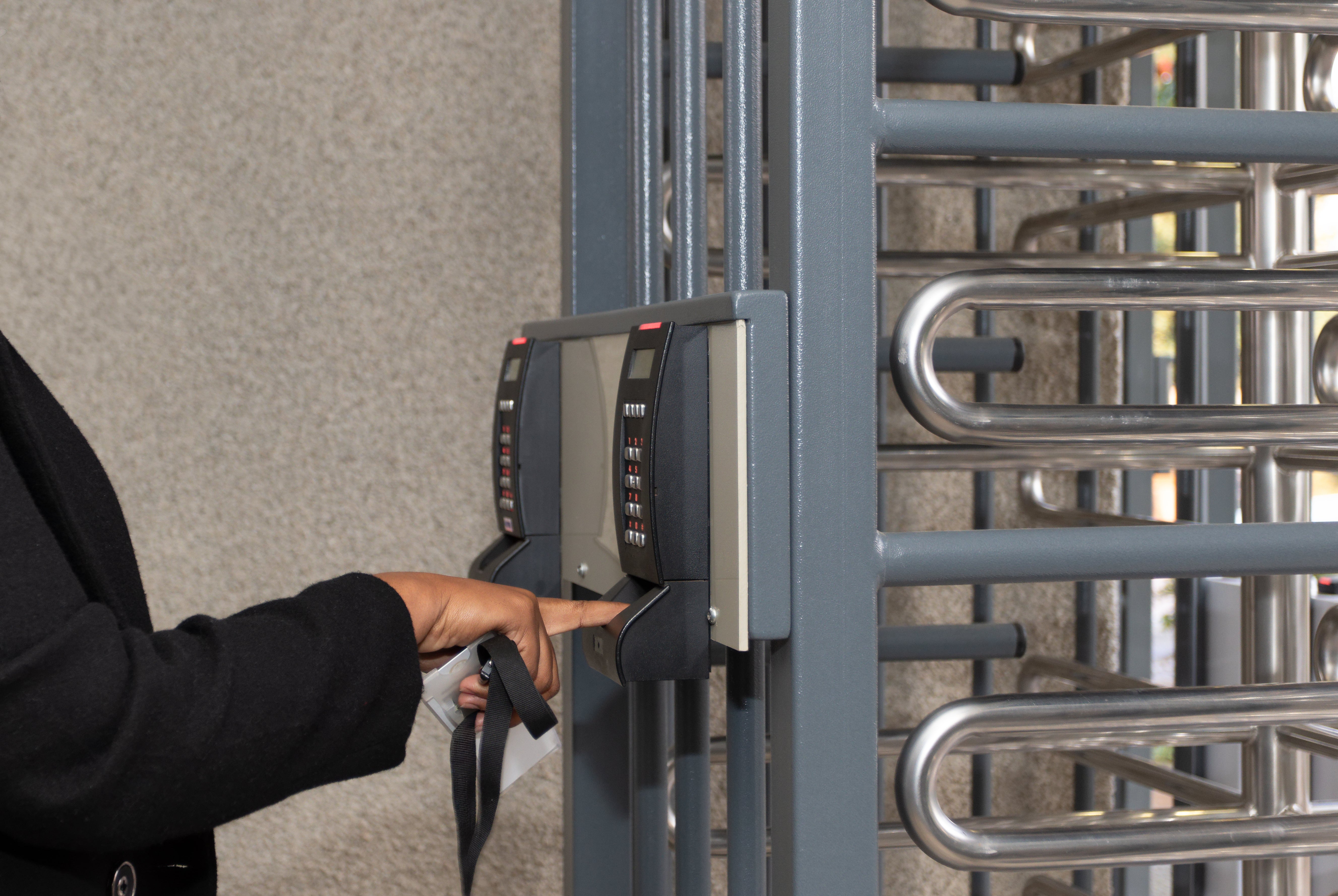
Biometric access control is becoming a standard for security for government offices. Traditional methods like keys, cards, and PIN codes can be lost or shared. This creates security risks.
Biometric systems solve this problem. They use unique physical traits to verify identity.
From federal buildings to local offices, these systems help control access and improve security.
If you are planning to invest in biometric access control, it’s important to understand how these systems work and what to look for before buying.

What Is Biometric Access Control?
Biometric access control uses physical features to identify a person.
Common examples include:
-
Fingerprints
-
Facial recognition
-
Iris or eye scans
-
Hand shape
Unlike keycards or codes, these features cannot be easily copied or shared. This makes biometric systems more secure.
Why Government Facilities Use Biometric Systems
Government buildings need strong security. They must control who enters specific areas.
Biometric systems help by:
-
Preventing shared credentials
-
Improving identity verification
-
Tracking who enters and exits
-
Reducing internal security risks
Because of this, biometrics are widely used for security for government facilities across the United States.
Types of Biometric Systems
Different systems work better in different environments.
Fingerprint Readers
Fingerprint systems are common and cost-effective. They work well in controlled spaces.
Best for: Offices and staff-only areas
Facial Recognition Systems
Facial recognition allows contactless entry. It works well in busy areas.
Best for: Entrances, lobbies, and public buildings
Iris or Retina Scanners
These systems are very accurate. They are used in high-security areas.
Best for: Sensitive or restricted locations
What to Look for Before You Buy
When choosing a biometric system, focus on simple but critical features.
Accuracy and Speed
The system should identify users quickly and correctly.
Data Security
Biometric data must be protected. Choose systems with encryption and secure storage.
System Integration
Your system should work with other security tools, such as:
-
Access control systems
-
Surveillance cameras
-
Alarm systems
Scalability
Choose a system that can grow with your facility.
Compliance
Government projects often require specific standards and documentation. This may include cybersecurity requirements, data protection policies, and procurement guidelines.
Working with the right supplier helps ensure your system meets these requirements from the start.
Challenges to Consider
Biometric systems are effective, but there are a few things to plan for:
-
Privacy concerns
-
Environmental conditions (lighting, dirt, weather)
-
Higher upfront cost
Planning ahead helps avoid problems later.
Real-World Use Cases
Biometric systems are used in many government settings where access control is critical.
Common examples include:
-
Securing employee-only areas in government offices
-
Controlling access to evidence rooms or records storage
-
Restricting entry to IT or data centers
-
Managing access at transportation facilities
In each case, biometrics help ensure that only authorized individuals can enter sensitive areas.
How to Choose the Right System
Before buying, ask:
-
How much security do you need?
-
How many users will use the system?
-
Does it need to connect with existing systems?
-
What rules or standards apply?
You should also consider how easy the system is to manage. Systems with simple dashboards and reporting tools make it easier for staff to monitor activity.
These answers will guide your decision.
Final Thoughts
Biometric access control improves security for government offices by using identity instead of keys or cards.
These systems reduce risk, improve tracking, and strengthen overall security.
With the right setup, biometric systems offer long-term value and reliable protection.