Skip to content

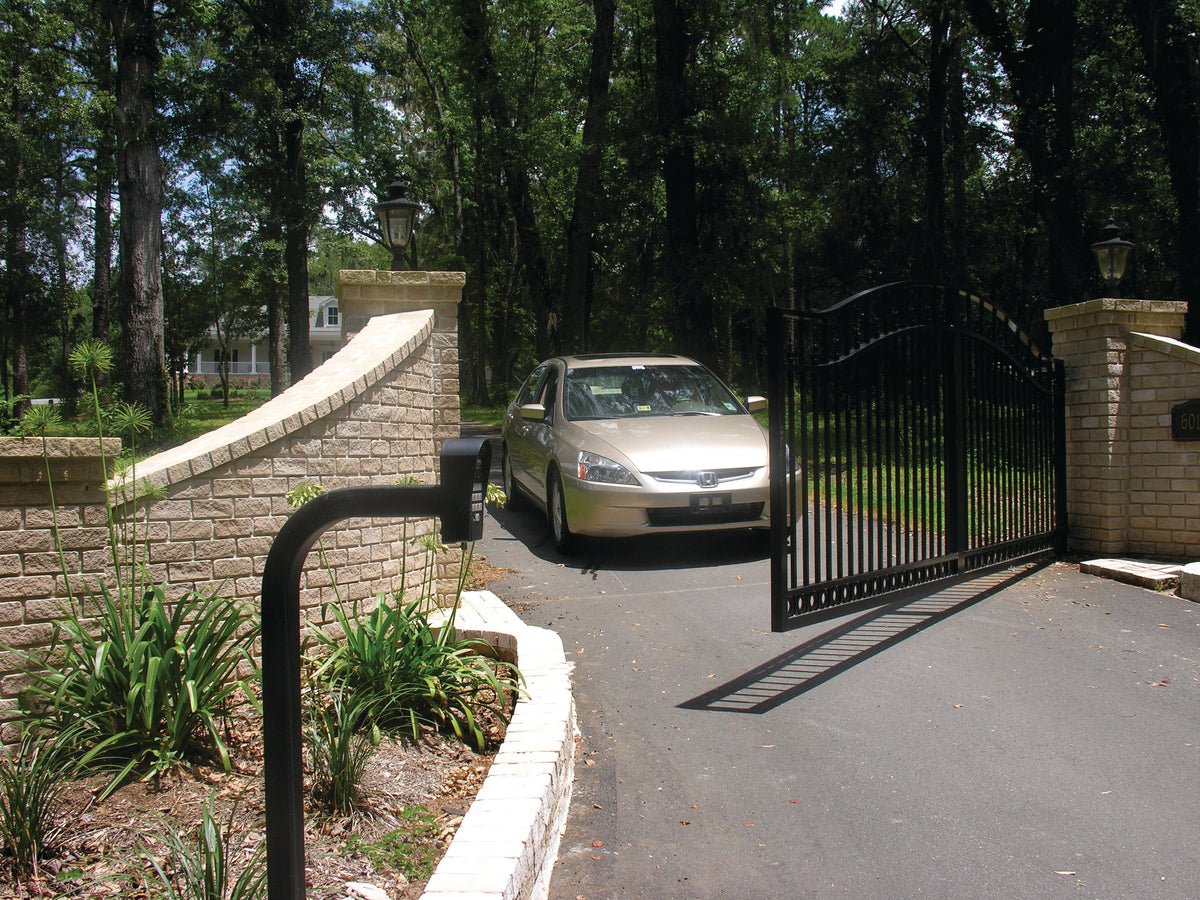
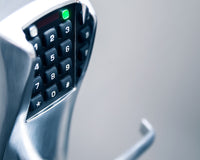
A keypad seems like one of the simplest ways to control access to a gate:
Enter a code → Gate opens
But not every gate keypad works the same way.
Some keypads are standalone, meaning they can store user codes and directly send an open command to a compatible gate operator or lock.
Others function as part of a larger access-control system, where the keypad sends credential information to a separate controller that decides whether access should be granted.
And some keypads can do both.
Understanding that difference is important because it affects:
- How many users you can manage
- How codes are added or removed
- Whether access logs are available
- How many gates or doors can be controlled
- Wiring requirements
- Power requirements
- Future system expansion
This guide explains the difference between standalone and controller-based gate keypads and helps you determine which type makes the most sense for your installation.
You can also browse access control keypads available from All Security Equipment.
What Does a Gate Keypad Do?
A gate keypad allows an authorized user to enter a PIN instead of using a physical key or handheld remote.
Depending on the system, the basic sequence may look like:
User enters PIN → Code verified → Gate operator receives command → Gate opens
Keypads are commonly used at:
- Residential driveways
- Commercial gates
- Employee entrances
- Gated communities
- Self-storage facilities
- Apartment properties
- Parking entrances
- Pedestrian gates
The important difference is where the code is verified.
With a standalone keypad, the keypad itself usually handles that job.
With a controller-based system, the keypad sends information to another device.
What Is a Standalone Gate Keypad?
A standalone keypad contains the basic access-control functionality needed to manage users and activate an output without requiring a separate access-control panel.
A typical standalone setup looks like:
PIN → Standalone Keypad → Relay Output → Gate Operator
The keypad stores authorized codes internally.
When a correct PIN is entered, the keypad activates its relay, which sends the appropriate command to the gate operator.
This can make a standalone keypad a relatively straightforward option for smaller access-control applications.
Example: 1050A Standalone Outdoor Keypad
The 1050A Outdoor All-Weather Digital Entry Keypad is an example of a self-contained standalone keypad.
It supports up to 1,000 personal codes, includes two relays, and can be programmed directly from the keypad.
Because the programming and user memory are built into the unit, a separate access-control controller isn’t required for basic operation.
Advantages of a Standalone Keypad
Standalone keypads can offer several benefits.
Simpler System Design
There are fewer major components involved.
Instead of:
Keypad → Controller → Operator
the arrangement may simply be:
Keypad → Operator
That can simplify smaller installations.
Lower Equipment Requirements
If the property only needs one gate and a limited number of users, a separate access-control panel may add unnecessary complexity.
Local Programming
Many standalone keypads allow users to be added or deleted directly at the keypad.
Good Fit for Smaller Applications
Standalone keypads are often practical for:
- Residential gates
- Small businesses
- Service entrances
- Small employee parking areas
- Individual pedestrian gates
What Are the Limitations of a Standalone Keypad?
The same simplicity that makes standalone keypads attractive can also create limitations.
Depending on the model, a standalone keypad may offer less:
- Centralized management
- Reporting
- Event history
- Multi-door management
- Remote administration
- Integration with larger access-control systems
For ten or twenty users, that may not matter.
For hundreds of employees, residents, or tenants, it can become much more important.
What Is a Controller-Based Access Control Keypad?
A controller-based keypad doesn’t necessarily make the final access decision itself.
Instead, it sends credential data to an access-control controller.
The system can look like:
User enters PIN → Keypad → Access Controller → Authorization Decision → Gate Operator
The controller stores the access rules and determines whether the credential is valid.
This approach can provide much more flexibility for larger or more complex properties.
Why Use a Separate Access Controller?
A dedicated controller may allow the system to manage:
- Multiple users
- Multiple gates or doors
- Access schedules
- Credential permissions
- Event history
- Different access levels
- Centralized administration
Rather than programming each entry point separately, the access system can manage users from one central location, depending on the platform.
Standalone vs. Controller-Based Keypads
Here’s the basic difference:
|
Feature |
Standalone Keypad |
Controller-Based Keypad |
|---|---|---|
|
Stores codes locally |
Usually |
Usually handled by controller |
|
Separate controller required |
No |
Yes |
|
Direct relay to gate possible |
Yes |
Usually controller handles output |
|
Good for one gate |
Yes |
Yes |
|
Multi-door/gate management |
Limited |
Better suited |
|
Central management |
Limited |
Yes, system dependent |
|
Access logs |
Limited/model dependent |
Often available |
|
Expansion |
More limited |
Typically greater |
|
Installation complexity |
Lower |
Higher |
|
Best for |
Smaller/simple applications |
Larger/managed systems |
Neither is automatically better.
The right choice depends on how much management the property actually needs.
Some Keypads Can Work Both Ways
This is where keypad selection gets more interesting.
Some products can operate as a standalone keypad or send credential information to an external controller.
For example, the ASE FAS-KP70 Modern Illuminated Outdoor Keypad supports Wiegand input/output and can handle up to 2,000 cards or codes.
It can support:
- PIN access
- Card access
- Card + PIN
That flexibility can be useful if the installation starts small but may eventually become part of a larger system.
The narrower ASE FAS-KP40 Outdoor Keypad offers similar functionality in a different form factor.
What Is Wiegand?
When comparing access-control keypads, you’ll often see the word Wiegand.
Wiegand is a commonly used communication format for sending credential information from a reader or keypad to an access-control controller.
A simplified arrangement is:
Keypad → Wiegand → Controller
The keypad captures the credential or PIN information.
The controller then decides whether access should be granted.
This is different from a basic standalone arrangement where the keypad itself stores the users and directly activates a relay.
Why Does Wiegand Matter?
Wiegand compatibility can allow a keypad to work with a broader access-control system.
For example, the ZKTeco SMK Series Standalone Metal Keypad and RFID Reader includes a Wiegand output in addition to standalone functionality.
That means it can be used as:
Standalone Keypad/Reader
or
Credential Device Connected to an Access-Control Panel
depending on the installation.
Gate Keypad vs. Keypad/Card Reader Combo
Not every keypad accepts only PINs.
Many modern devices combine a keypad with a proximity or RFID reader.
That gives users several ways to gain access.
For example:
PIN Only
Enter code → Access granted
Card Only
Present credential → Access granted
Card + PIN
Present credential + Enter code → Access granted
The ASE FAS-KP70 supports all three methods.
When Is Card + PIN Useful?
Using both a credential and PIN creates a two-step authentication process.
Instead of someone gaining access simply because they know a code or possess a card, both factors may be required.
This can be useful for applications requiring tighter control.
How Many Users Do You Need?
User capacity is one of the first specifications to check.
Different keypads can support very different numbers of users.
For example:
The Linear F310 Digital Keypad supports up to 25 PIN codes.
The Security Brands Advantage ONE supports up to 1,000 codes.
The ASE FAS-KP70 supports up to 2,000 cards/codes.
That difference matters.
Ask:
How many users do I have now?
Then ask:
How many might I need in a year or two?
Choosing a keypad with barely enough capacity today can create unnecessary limitations later.
Residential Gate Keypads
For a residential driveway, a standalone keypad is often enough.
A homeowner may only need codes for:
- Family members
- Guests
- Landscapers
- Service providers
The access requirements are relatively simple.
A system such as:
Keypad → Gate Operator
may provide everything necessary.
The Linear F310, for example, supports multiple PINs and temporary access codes and can operate wired or wirelessly with specified compatible gate operator systems.
Small Business Gate Keypads
A small commercial property may still work well with a standalone keypad.
But user management becomes more important.
Suppose the property has:
- 25 employees
- Cleaning staff
- Contractors
- Delivery personnel
Using one shared code makes it harder to remove access from an individual user.
A keypad that supports separate personal codes allows management to remove one person’s access without changing the code for everyone.
For this type of application, look at:
- User capacity
- Individual code deletion
- Temporary codes
- Relay outputs
- Outdoor construction
Commercial and Multi-User Properties
Larger properties may benefit more from a controller-based system.
Examples include:
- Large businesses
- Apartment communities
- HOAs
- Multi-tenant properties
- Warehouses
- Campuses
At this scale, administrators may need to manage:
- Hundreds or thousands of users
- Multiple entrances
- Different schedules
- Different user groups
- Access history
A standalone keypad at every entrance can become difficult to manage.
A centralized access-control system may provide a more scalable solution.
Browse access control systems for larger applications.
Do You Need Access Logs?
This is another major difference.
A basic standalone keypad may know whether a code is valid, but it may not provide detailed transaction history.
A larger access-control system can potentially record information such as:
- Which credential was used
- Which entry point was accessed
- Date
- Time
- Access granted or denied
For some residential gates, this isn’t important.
For a commercial facility or managed property, it can be extremely useful.
If reporting matters, verify exactly what the system stores before choosing a keypad.
Do You Need Temporary Codes?
Temporary access is useful when someone needs access for a limited period.
Examples include:
- Contractor
- Delivery service
- Maintenance technician
- Rental guest
- Cleaning company
Some keypads support temporary or restricted-use PINs.
For example, the Linear F310 supports temporary access code functionality.
This can be more convenient than giving a visitor a permanent code and remembering to delete it later.
One Shared Code vs. Individual Codes
A keypad can technically control a gate with one shared code.
But that isn’t always the best approach.
Imagine 50 employees all use:
2486
An employee leaves.
Now what?
Either:
- The former employee still knows the code
or
- Everyone needs a new code
Individual PINs solve this problem.
Each person receives a separate credential.
If someone should no longer have access, only that code is removed.
For businesses, communities, and managed properties, this is usually much easier to administer.
Single Relay vs. Multiple Relays
Another specification worth checking is the number of relay outputs.
A relay is what allows the keypad to trigger another device.
A single relay might control:
Main Gate
A two-relay keypad could potentially control:
Relay 1 → Vehicle Gate
Relay 2 → Pedestrian Gate
depending on the product and system design.
The 1050A Outdoor Keypad, for example, includes two relays.
Before buying, determine how many devices or functions the keypad needs to control.
Wired vs. Wireless Gate Keypads
Gate keypads can also differ in how they communicate with the operator.
Wired Keypad
A wired keypad typically uses cable between the keypad and gate operator or controller.
Advantages can include:
- Direct connection
- No wireless signal concerns
- Continuous power where properly supplied
But installation may require:
- Conduit
- Trenching
- Cable routing
Wireless Keypad
A wireless keypad can reduce the need to run communication cable between the keypad and gate operator.
For example, the Linear F310 can operate wirelessly with specified compatible receiver systems.
However, wireless doesn’t mean maintenance-free.
You may still need:
- Batteries
- Compatible receiver
- Proper radio range
- Correct programming
Choose based on the site conditions.
Outdoor Rating Matters
A gate keypad is often exposed to:
- Rain
- Humidity
- Dust
- Heat
- Cold
- Direct sunlight
Use a device designed for outdoor installation.
For example, the ASE FAS-KP70 and FAS-KP40 are rated IP68.
The 1050A Outdoor Keypad is rated NEMA 4 / IP65.
Don’t place an indoor-only keypad at an exposed gate entrance and expect reliable long-term operation.
Vandal Resistance
Commercial keypads may also need to withstand rough use or intentional abuse.
Look for features such as:
- Metal enclosure
- Stainless-steel faceplate
- Vandal-resistant housing
- Sealed keypad
- Tamper protection
For example, the Security Brands Advantage ONE uses a stainless-steel faceplate and metal keypad in a powder-coated steel enclosure.
For unattended outdoor locations, physical construction can be just as important as software features.
Mounting a Gate Keypad
Where will the keypad actually go?
At a vehicle entrance, a freestanding access control pedestal may be used to place the keypad within driver reach.
Consider:
- Vehicle height
- Driver reach
- Gate movement
- Lane width
- Turning radius
- Conduit location
- Mounting surface
For properties that receive both cars and commercial trucks, a dual-height pedestal may provide access-control devices at two different heights.
The keypad should be convenient to use without being positioned where vehicles are likely to strike it.
Does the Gate Operator Power the Keypad?
Sometimes—but don’t assume it does.
Before connecting a keypad to the operator, compare:
- Required keypad voltage
- Current draw
- Available operator accessory power
- AC vs. DC requirements
- Wiring distance
For example, the 1050A keypad supports 10–30 VAC or VDC, while other keypads may have different requirements.
Voltage compatibility is only part of the calculation.
The power source must also provide sufficient current.
How Does a Keypad Connect to a Gate Operator?
A basic standalone keypad often uses a relay.
Conceptually:
Keypad Relay → Gate Operator Input
When an authorized code is entered, the relay changes state and the operator receives the appropriate command.
However, the exact terminals and programming differ between operators.
Always follow:
- Keypad manual
- Gate operator manual
- Manufacturer wiring instructions
Don’t assume that every terminal labeled “open” or “accessory” works the same way.
Can a Gate Keypad Control a Magnetic Lock?
Certain standalone access-control keypads can directly interface with locking hardware.
For example, the ZKTeco SMK Series has built-in relay contacts designed to connect to compatible electric strikes or magnetic locks.
This is more common in pedestrian door and gate access applications than in standard automatic vehicle gate operation.
The correct wiring and power supply still need to be verified.
Keypad vs. Gate Remote
A keypad and remote both provide a way to request gate access.
But the user experience is different.
Remote
Press button → Gate opens
Useful for regular users who have their own transmitter.
Keypad
Enter PIN → Gate opens
Useful when you don’t want to distribute physical remotes.
Many properties use both:
Residents/Employees → Remotes
Visitors/Service Providers → Keypad
Browse gate remotes and receivers if your gate also uses transmitter access.
Keypad vs. Card Reader
A keypad verifies something the user knows:
PIN
A card reader verifies something the user has:
Card or fob
A keypad/card reader combination can provide either method—or require both.
For a deeper comparison, read Keypad vs. Card Reader vs. RFID vs. Mobile Access: Which Access Control System Is Best?.
When Should You Choose a Standalone Gate Keypad?
A standalone keypad is usually worth considering when:
- You have one gate or entry point
- User count is manageable
- Local programming is acceptable
- You don’t need advanced access reports
- You want a relatively straightforward system
- Centralized access management isn’t necessary
Typical applications include:
- Residential driveways
- Small offices
- Small parking areas
- Service gates
- Individual pedestrian entrances
When Should You Choose a Controller-Based Keypad?
A controller-based system may make more sense when:
- You have multiple doors or gates
- There are many users
- You need central management
- Access schedules are required
- You need detailed event history
- Different users require different permissions
- Future expansion is likely
In these environments, the keypad becomes one part of a larger access-control infrastructure.
What If You Need Both?
A hybrid-capable device can provide additional flexibility.
A keypad with standalone relay functionality and Wiegand output can potentially start as a standalone unit and later connect to a larger controller, depending on the system.
Products such as the ASE FAS-KP70 and ZKTeco SMK Series provide this type of flexibility.
This can be useful when you’re not sure how large the system will eventually become.
Gate Keypad Buying Checklist
Before choosing a keypad, answer these questions.
Application
- Gate or door?
- Vehicle or pedestrian entrance?
- Residential or commercial?
- Indoor or outdoor?
Users
- How many users?
- Shared or individual PINs?
- Temporary codes needed?
- Cards/fobs also required?
Management
- Local programming okay?
- Centralized management needed?
- Access logs needed?
- Multiple entry points?
Communication
- Standalone relay?
- Wiegand output?
- Wired?
- Wireless?
Hardware
- Required voltage?
- Available power?
- Number of relays?
- Outdoor rating?
- Vandal-resistant construction?
Installation
- Wall mount?
- Pedestal mount?
- Vehicle height?
- Wiring/conduit available?
Once you know these answers, the correct keypad category becomes much easier to identify.
Frequently Asked Questions
What is a standalone gate keypad?
A standalone gate keypad stores authorized user codes internally and can typically provide a relay output directly to compatible gate equipment without requiring a separate access-control panel.
What is the difference between a standalone keypad and an access-control keypad?
A standalone keypad can manage users and make the access decision itself. A controller-based keypad sends credential information to a separate access-control panel, which manages authorization.
Can a keypad work both standalone and with an access-control panel?
Some can. Products with both relay functionality and Wiegand output may support either configuration. Check the specific product specifications.
How many codes can a gate keypad store?
Capacity varies significantly. Some smaller keypads support a few dozen users, while others support 1,000 or 2,000 credentials or more.
Is a gate keypad better than a remote?
Neither is universally better. Remotes are convenient for regular users, while keypads provide access without distributing a physical transmitter. Many systems use both.
Can I give each employee a different gate code?
Yes, if the keypad supports enough individual user codes. This makes it easier to remove one person’s access without changing everyone else’s PIN.
Can a gate keypad use cards and PINs?
Some models combine a keypad with an RFID or proximity reader. Depending on the product, users may be able to enter with a card, PIN, or card + PIN.
Can I install a keypad outside?
Yes, when the keypad is rated for outdoor use. Check its environmental rating and enclosure specifications before installing it at an exposed entrance.
Can I connect any keypad to my gate operator?
Not automatically. Verify the keypad’s relay/output, power requirements, gate operator inputs, and manufacturer instructions.
Do I need a separate controller for a gate keypad?
Not if you’re using a standalone keypad that provides the required access-control functionality. More advanced or multi-entry systems may use a separate controller.
Find Gate Keypads at All Security Equipment
Choosing a gate keypad starts with deciding how much access-control functionality you actually need.
For a simple installation:
Standalone Keypad → Gate Operator
may be enough.
For a larger property:
Keypad → Access Controller → Gate Operator
may provide the user management and expansion required.
At All Security Equipment, you’ll find keypads for residential, commercial, gate, door, standalone, and managed access-control applications.
Explore:
1050A Outdoor Standalone Keypad
ASE FAS-KP70 Outdoor Keypad + RFID Reader
ASE FAS-KP40 Narrow Outdoor Keypad + RFID Reader
Security Brands Advantage ONE 1,000-Code Keypad
ZKTeco SMK Standalone Keypad + RFID Reader
Linear F310 Wired/Wireless Gate Keypad
Not Sure Which Keypad Your Gate Needs?
Start with the number of users, gate operator model, and the level of access management you need.
Contact the All Security Equipment team with your gate or door application, equipment model, and user requirements. We can help you narrow down compatible keypad options for your system.