Skip to content

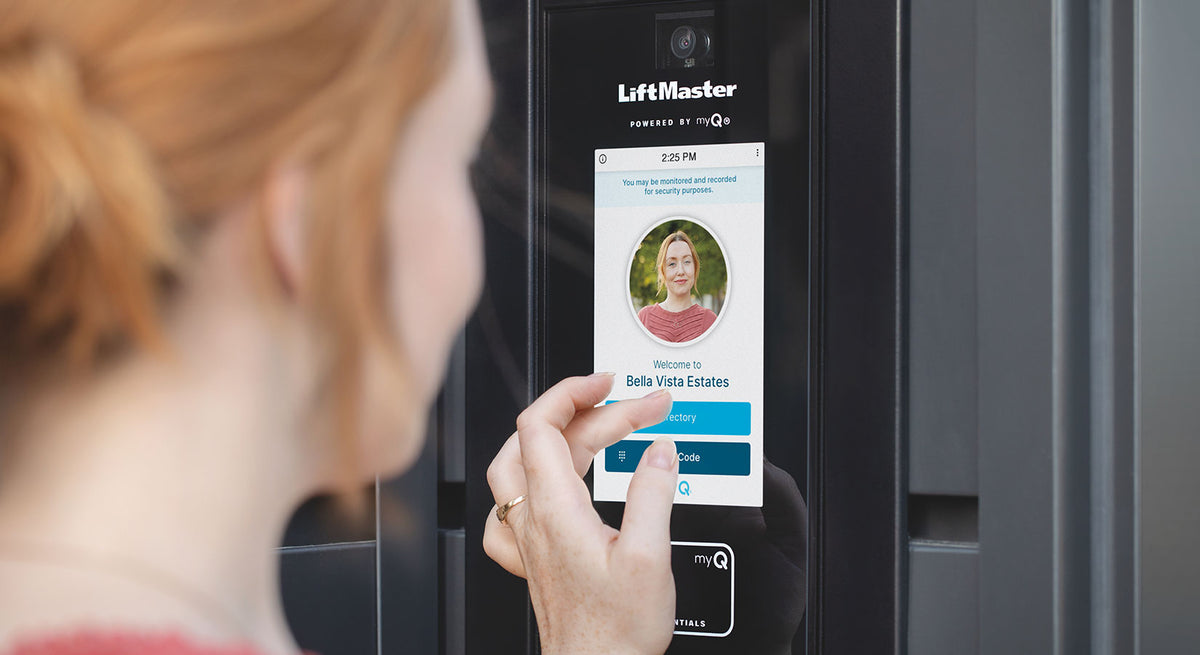
Choosing an access control system used to be relatively straightforward: give authorized users a key, remote, card, or PIN and keep everyone else out.
Today, there are considerably more options.
Keypads, proximity cards, key fobs, RFID systems, smartphone credentials, video intercoms, and cloud-based access control platforms can all provide effective ways to manage who enters a property. The challenge is determining which technology makes the most sense for your application.
A keypad that works perfectly for a residential gate may not provide the management capabilities needed for a large apartment community. Similarly, a long-range RFID system designed to identify approaching vehicles may be unnecessary for a small office entrance.
So, which access control system should you choose?
In this guide, All Security Equipment compares some of the most popular access control technologies and explains where each option works best.
What Is an Access Control System?
An access control system determines who is authorized to enter a secured area and how that person proves they are authorized.
Instead of relying exclusively on traditional keys, access control systems can use credentials such as:
- PIN codes
- Cards
- Key fobs
- RFID tags
- Remote controls
- Smartphone credentials
- Visitor credentials
When a valid credential is presented, the access control system can send a signal to equipment such as an electric lock, magnetic lock, gate operator, door controller, or other entry system to grant access.
More advanced systems can also help property managers control when, where, and how credentials can be used.
Keypad vs. Card Reader vs. RFID vs. Mobile Access: Quick Comparison
Here’s a simple way to understand the major differences.
|
Access Method |
How Users Enter |
Best For |
Main Advantage |
|---|---|---|---|
|
Keypad |
Enter a PIN |
Homes, gates, small businesses |
No physical credential required |
|
Card/Fob Reader |
Present a card or fob |
Offices, businesses, managed properties |
Individual credentials |
|
Long-Range RFID |
Vehicle tag is detected |
Parking, HOAs, gated communities |
Convenient vehicle access |
|
Mobile Access |
Smartphone credential |
Apartments, offices, modern facilities |
Convenience and remote management |
|
Video/Telephone Entry |
Visitor contacts resident/staff |
Apartments, HOAs, commercial properties |
Visitor management |
The best solution ultimately depends on who needs access, how many users you need to manage, how they approach the entrance, and how much control you need over individual credentials.
Let’s look at each option more closely.
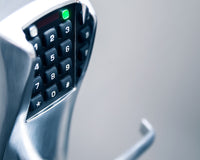
1. Keypad Access Control
A keypad is one of the most familiar forms of electronic access control.
Instead of carrying a physical credential, users enter an authorized PIN to request access.
Keypads are commonly installed at:
- Driveway gates
- Pedestrian gates
- Offices
- Warehouses
- Storage facilities
- Restricted rooms
- Commercial entrances
Advantages of Keypads
No Physical Credential to Carry
Users don’t need to remember a card, key fob, or remote.
They only need their authorized code.
This can make keypads particularly convenient for properties where carrying another credential isn’t desirable.
Simple User Experience
Most people already understand how to use a keypad.
Enter the correct code and access is granted.
Useful for Gates and Doors
Keypads are available for both pedestrian and vehicle access applications and can integrate with many gate operators and access control systems.
Multiple Users Can Be Managed
Depending on the keypad, administrators may be able to create multiple codes rather than giving everyone the same PIN.
That can make it easier to manage employees, residents, vendors, contractors, or other users.
Potential Disadvantages of Keypads
PIN codes can be shared.
If an entire property uses one common code, it may become difficult to control who knows it.
Users can also forget codes, and frequently used codes may eventually become known to unauthorized people.
For larger properties, choosing a keypad capable of assigning and managing individual user codes can provide considerably more control than relying on one shared PIN.
Keypads Are Best For:
Residential gates: Convenient entry without carrying a remote.
Small businesses: Straightforward employee access.
Pedestrian gates: Easy access for authorized users.
Service access: Temporary or dedicated codes can be useful when supported by the system.
2. Card and Key Fob Access Control
Card readers and key fob readers replace a shared PIN with a physical credential assigned to the user.
Instead of entering a code, the user presents their card or fob to a compatible reader.
If the credential is authorized, the system grants access.
This approach is common in:
- Offices
- Warehouses
- Apartment buildings
- Commercial facilities
- Employee entrances
- Restricted areas
- Pedestrian gates
Advantages of Cards and Key Fobs
Credentials Can Be Assigned Individually
One of the biggest advantages is the ability to associate a credential with a specific user.
If an employee leaves the company or a resident moves out, that credential can potentially be disabled without changing everyone else’s access.
Easy to Use
Present the credential to the reader and enter.
There is no PIN to remember.
Better User Management
When connected to an appropriate access control platform, cards and fobs can make it easier to manage larger groups of authorized users.
Depending on the system, administrators may also be able to establish schedules, permissions, or access to specific entrances.
Potential Disadvantages
Cards and fobs can be:
- Lost
- Forgotten
- Damaged
- Loaned to another person
Lost credentials should be disabled as soon as possible.
There is also an ongoing need to issue and manage physical credentials as users are added or removed.
Card and Fob Systems Are Best For:
Businesses: Individual employee credentials.
Multi-door facilities: Different permissions can potentially be assigned to different areas.
Apartment buildings: Resident access without distributing traditional keys.
Restricted areas: Individual credentials provide more control than a shared code.
3. Long-Range RFID Vehicle Access
RFID becomes particularly interesting when the user isn’t walking up to a door.
They’re driving toward a gate.
A long-range RFID access system can identify an authorized vehicle using a compatible tag and reader.
Depending on the system and installation, the vehicle may not need to stop so the driver can enter a PIN, present a card, or reach out of the window.
This makes RFID especially useful for:
- Gated communities
- Employee parking
- Apartment complexes
- Commercial parking facilities
- Warehouses
- Fleet entrances
- Industrial facilities
How Long-Range RFID Access Works
A typical system includes:
RFID Tag → RFID Reader → Access Control System → Gate Operator
An authorized tag is associated with a vehicle.
As the vehicle approaches the entrance, the reader detects the credential.
The system verifies whether it is authorized and, if approved, sends the appropriate signal to open the gate.
Advantages of RFID
Faster Vehicle Entry
Drivers don’t necessarily need to stop and manually enter a code.
That can improve traffic flow at busy entrances.
Convenient for Frequent Users
Residents or employees who enter the property every day can have a more seamless experience.
Vehicle Credentials Can Be Managed
Rather than distributing a universal gate code, individual vehicle tags can be issued and managed.
Excellent for High-Traffic Vehicle Entrances
For a property processing many authorized vehicles each day, eliminating repetitive manual credential entry can make a significant difference.
Potential Disadvantages
RFID requires compatible tags, readers, and access control equipment.
Reader placement and system design are also important.
The installation needs to account for factors such as:
- Desired read range
- Lane configuration
- Reader positioning
- Multiple adjacent lanes
- Vehicle approach
- Credential type
RFID is therefore more specialized than simply mounting a keypad next to a gate.
Long-Range RFID Is Best For:
HOAs and gated communities: Frequent resident vehicle traffic.
Employee parking: Authorized staff vehicles.
Warehouses: Regular fleet and employee access.
Commercial facilities: High-volume controlled entrances.
4. Mobile Access Control
For many people, the one credential they almost always have with them is already in their pocket:
Their smartphone.
Mobile access control allows compatible smartphones to function as access credentials.
Depending on the system, users may gain access through:
- Bluetooth
- NFC
- A mobile application
- Digital credentials
- Cloud-connected access platforms
Mobile access has become particularly attractive for properties looking to reduce dependence on physical credentials.
Advantages of Mobile Access
Fewer Physical Credentials
Organizations may be able to reduce the number of cards and key fobs they need to distribute.
Convenient for Users
People are already accustomed to carrying and using smartphones throughout the day.
Easier Credential Distribution
With compatible platforms, digital credentials may be issued without physically handing someone a card or fob.
This can be particularly useful when users are frequently added or removed.
Remote Management
Cloud-connected systems can offer administrators greater flexibility in managing access without necessarily being physically present at the property.
Exact capabilities depend on the platform.
Potential Disadvantages
Mobile access isn’t automatically the right solution for every property.
Questions to consider include:
- Does every user have a compatible smartphone?
- What happens if a user’s phone battery dies?
- Is internet connectivity required for certain functions?
- Are there subscription or platform costs?
- What alternative credential method is available?
A well-designed system should account for situations where smartphone access isn’t available.
Mobile Access Is Best For:
Modern office environments: Convenient employee credentials.
Apartment communities: Easier resident credential management.
Managed properties: Centralized access administration.
Properties with frequent user changes: Digital credentials may simplify onboarding and removal.
5. Video and Telephone Entry Systems
Residents and employees aren’t the only people who need to enter a property.
What about:
- Guests
- Delivery drivers
- Contractors
- Vendors
- Service technicians
- Prospective tenants
- Customers
These users usually don’t have permanent credentials.
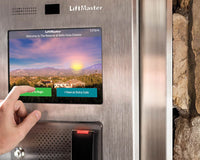
That’s where telephone entry and video intercom systems become valuable.
Rather than automatically granting access, these systems allow a visitor to request entry from an authorized person.
Why Video Entry Is Different
A keypad answers:
“Does this person know an authorized code?”
A card reader answers:
“Does this person have an authorized credential?”
A video intercom can help answer:
“Who is requesting access?”
Depending on the system, a resident or staff member may be able to communicate with the visitor and then decide whether to grant access.
More advanced platforms can combine:
- Video
- Audio
- Resident directories
- Smartphone apps
- Temporary credentials
- Cloud management
- Gate control
- Door control
This makes video entry particularly useful where visitor management is just as important as resident or employee access.
Video and Telephone Entry Are Best For:
Apartment communities: Residents and visitors.
HOAs: Vehicle and visitor entrances.
Commercial buildings: Visitor communication.
Gated properties: Remote verification before opening the gate.
Which Access Control System Is Most Secure?
There isn’t one universal answer.
Security depends not only on the credential technology but also on how the entire system is designed, installed, configured, and managed.
For example, a sophisticated access control system can still become less effective if:
- Credentials aren’t disabled when users leave
- PINs are shared
- Doors are left unsecured
- Gates can easily be bypassed
- Administrator accounts aren’t properly protected
- Lost credentials remain active
Rather than asking only which credential is “most secure,” ask:
How much control do I need over each user?
That question often makes the decision easier.
Which Access Control System Should You Choose?
Here are some common scenarios.
Residential Driveway
A typical residential gate may work well with:
Remote controls + keypad
The homeowner has a remote for everyday vehicle entry while the keypad provides another way to access the property.
Depending on the system, smartphone control may also be available.
Small Business
Consider:
Keypad or card/key fob access
A small team may be easy to manage using individual PINs.
As the number of employees grows, individual cards or fobs can make credential management easier.
Office Building
Consider:
Card/key fob + mobile access
Employees receive individual credentials, while administrators have greater control over who can access specific entrances.
Gated Community or HOA
Consider combining:
RFID + mobile access + video/telephone entry
Residents can use RFID or mobile credentials for routine access while visitors use the entry system.
This separates two very different access requirements:
Resident access and visitor access.
Apartment Building
Consider:
Mobile credentials + card/fob + video intercom
Residents receive managed credentials while visitors can contact residents before entering.
Warehouse or Industrial Facility
Consider:
RFID + card/fob access
RFID can manage vehicle entrances while cards or fobs control employee pedestrian access.
Parking Facility
Consider:
RFID or managed access credentials
The best solution depends on whether the facility serves permanent users, employees, residents, visitors, or a combination of groups.
You Don’t Have to Choose Just One
One of the most important things to understand about modern access control is that these technologies aren’t necessarily competitors.
A property can use several of them together.
For example, imagine a gated apartment community.
Residents approaching in vehicles use RFID.
Residents entering a pedestrian gate use a mobile credential or key fob.
Visitors use a video intercom.
Maintenance personnel receive an individual PIN or temporary credential.
The management office controls permissions through the access control system.
Each technology solves a different access problem.
For many properties, the best access control solution isn’t choosing between keypad, RFID, mobile, and video entry.
It’s determining where each technology makes the most sense.
Questions to Ask Before Buying an Access Control System
Before selecting equipment, answer these questions:
- How many users need access?
- Are they residents, employees, visitors, contractors, or customers?
- Are users entering by vehicle, on foot, or both?
- How many entrances need to be controlled?
- Do individual users need separate credentials?
- Do you need to revoke credentials frequently?
- Do visitors need to contact someone before entering?
- Do you need remote management?
- Do you need access schedules or different permission levels?
- Does the system need to integrate with an automatic gate, electric strike, magnetic lock, or other equipment?
- What happens if internet or power is unavailable?
- Do you expect the number of users or entrances to grow?
Thinking through these questions before purchasing can help prevent choosing a system that works today but becomes difficult to manage as the property grows.
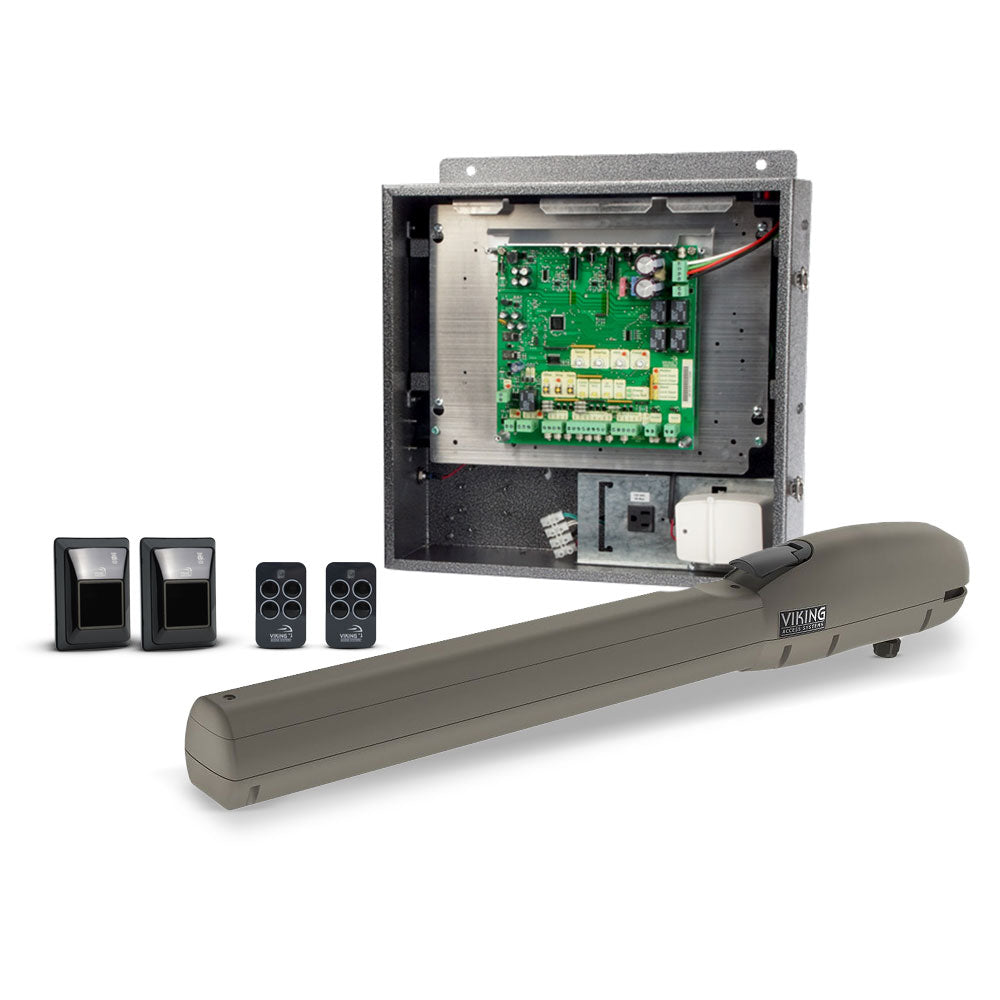
Don’t Forget the Hardware Behind the Credential
The credential is only one part of an access control installation.
A complete system may also require:
- Access control panels
- Readers
- Keypads
- Electric strikes
- Magnetic locks
- Request-to-exit devices
- Gate operators
- Pedestals
- Power supplies
- Backup batteries
- Vehicle detectors
- Photo eyes
- Safety devices
- Networking equipment
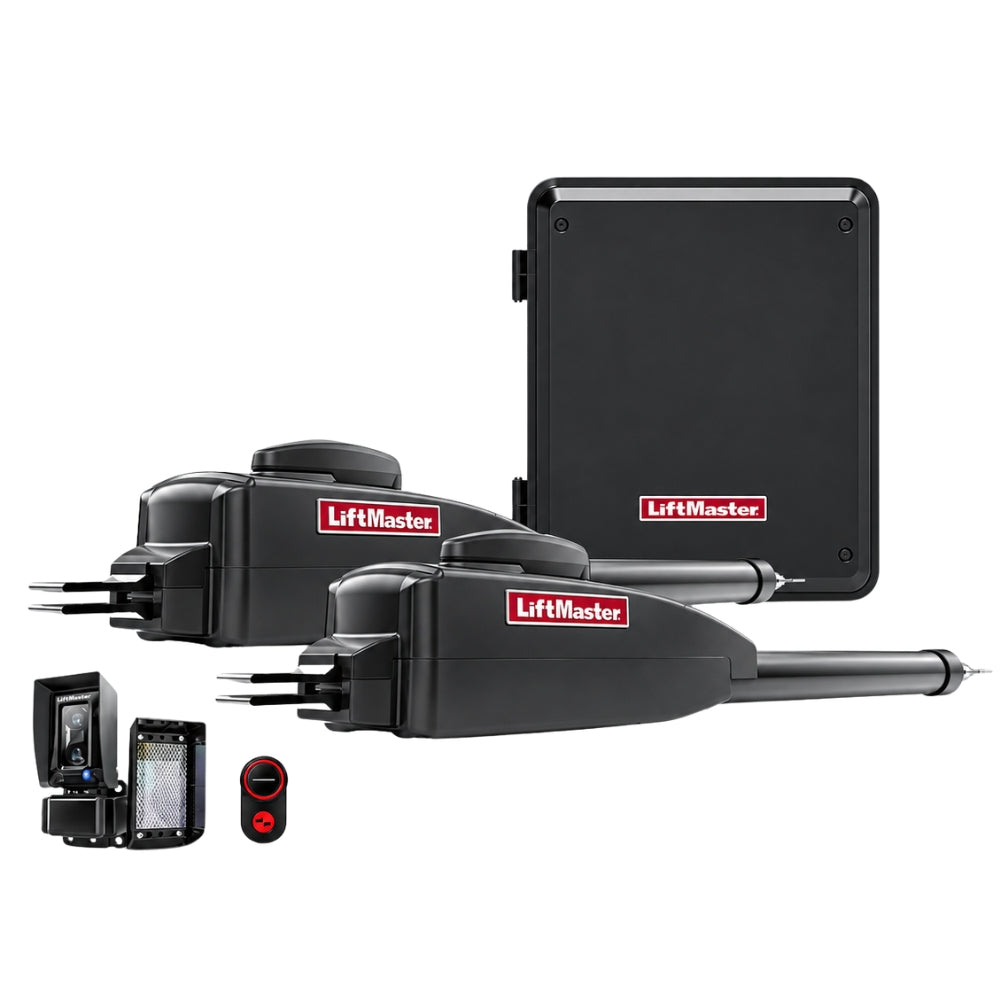
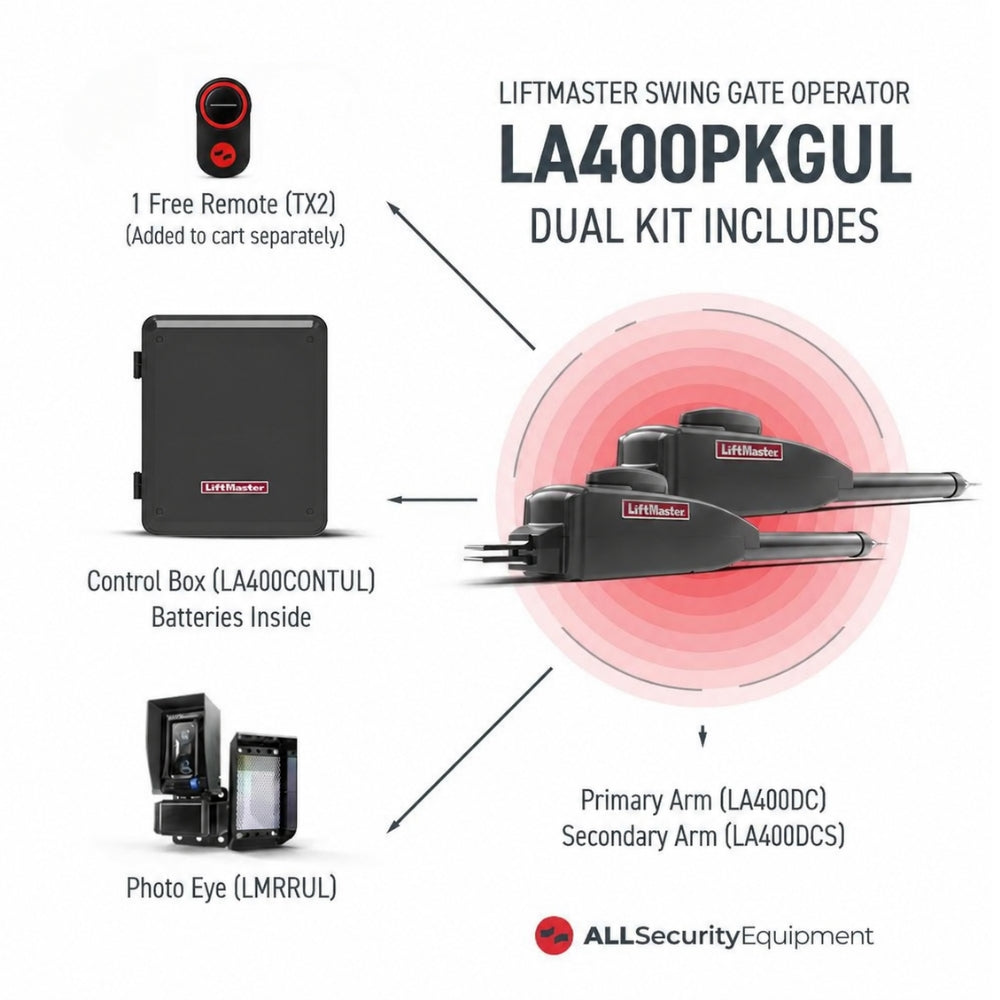
For gate applications in particular, the access control equipment must be properly integrated with the gate operator and the required safety devices.
This is why selecting access control equipment should be approached as a complete system, rather than choosing a reader or keypad in isolation.
Frequently Asked Questions
Is a keypad better than a card reader?
It depends on the application. Keypads eliminate the need to carry a physical credential, while card readers allow individual credentials to be issued and revoked. A keypad may be ideal for a small property, while card-based access can be easier to manage for organizations with many users.
Are key fobs more secure than PIN codes?
Key fobs can provide better individual credential management because each user can receive a unique credential. PIN systems can also provide individual codes, but codes may be shared. Overall security depends on the equipment and how credentials are managed.
What is the best access control system for a gate?
It depends on who uses the gate. Residential properties may use remotes and keypads, while gated communities may benefit from RFID, mobile credentials, and visitor entry systems. Commercial facilities may require a combination of technologies.
Is RFID good for automatic gates?
Long-range RFID can be particularly effective for automatic vehicle gates because authorized vehicles can be identified as they approach the entrance. It is commonly used for gated communities, employee parking, warehouses, and other controlled vehicle entrances.
Can a smartphone open an automatic gate?
Yes, when the gate is connected to a compatible access control or smart gate system. The exact method depends on the equipment and may involve Bluetooth, an app, cloud connectivity, or another supported technology.
Can I use multiple access methods on the same property?
Yes. Many access control systems support multiple credential types or can be designed with different technologies at different entrances. For example, a property might use RFID for vehicles, mobile credentials for residents, and a video intercom for visitors.
Build the Right Access Control System With All Security Equipment
There is no single access control technology that is perfect for every property.
The right choice depends on who needs access, how they enter, how frequently credentials change, and how much control the property needs over individual users.
A keypad may be all that’s required for a small gate.
A growing business may benefit from individual cards or key fobs.
A busy gated community may need RFID for resident vehicles and a video intercom for visitors.
A modern office or apartment building may benefit from mobile credentials and cloud-based management.
And many properties will get the best results by combining several technologies into one complete access solution.
All Security Equipment offers access control products for residential, commercial, vehicle, pedestrian, and multi-tenant applications, including keypads, readers, RFID equipment, telephone entry systems, video intercoms, access controllers, magnetic locks, electric locking hardware, gate operators, pedestals, and accessories.
Ready to Upgrade Your Access Control?
Shop Access Control at All Security Equipment to compare solutions for gates, doors, parking facilities, businesses, communities, and more.
Not sure which technology fits your application? Contact the All Security Equipment team. Tell us what you’re securing, how many users you need to manage, and how people enter the property, and we’ll help you narrow down the equipment for your system.