Skip to content

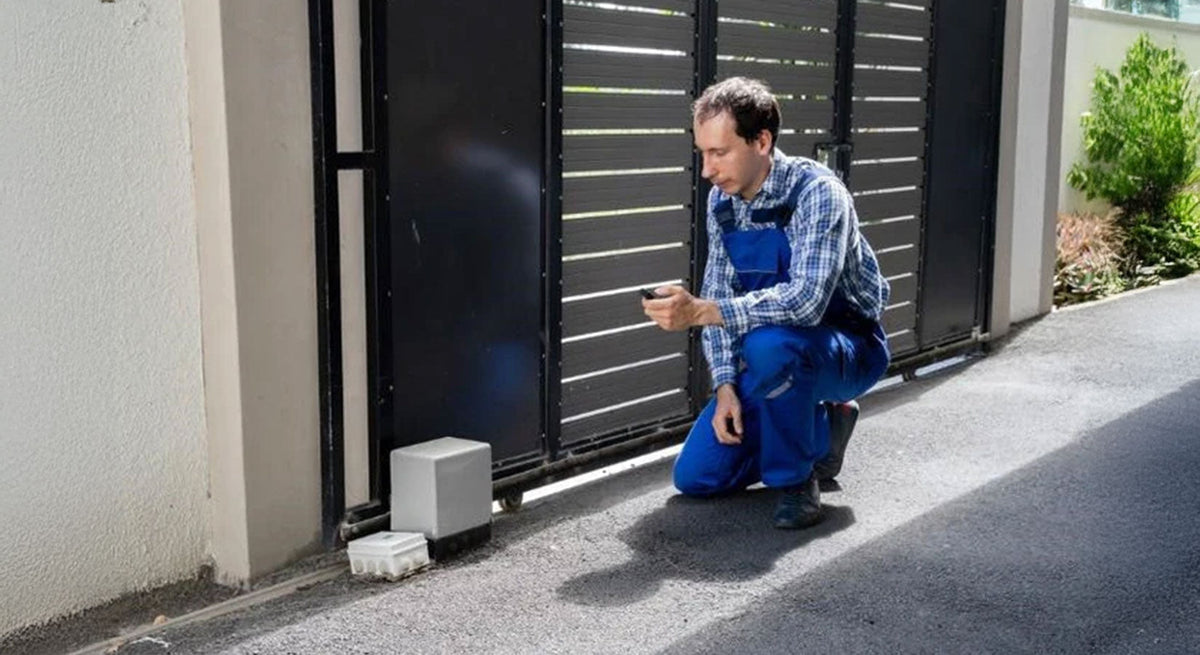
Your automatic gate opens normally, but when it’s time to close, nothing happens.
Or maybe it starts closing, suddenly stops, and opens again.
Automatic gate closing problems can come from something as simple as a blocked photo eye or as complex as an electrical, control board, or mechanical issue.
Before replacing parts, it’s important to identify exactly what the gate is doing.
Does it refuse to close at all? Does it reverse while closing? Does the operator run but the gate doesn’t move? Is the problem intermittent?
Those symptoms can point you in very different directions.
In this guide, All Security Equipment covers 10 common reasons an automatic gate won’t close, what to check, and when a replacement component may be needed.
Safety Note: Automatic gates are powerful moving systems. Never bypass, disable, or defeat an entrapment-protection device to make a gate operate. Disconnect power before working on electrical or mechanical components when required by the manufacturer’s instructions. If you’re not qualified to safely diagnose or repair the system, contact a professional gate installer or technician.
First: What Is Your Gate Actually Doing?
Before opening the control box or ordering a replacement part, observe the problem carefully.
Which of these sounds most like your gate?
Gate opens but won’t close at all
Start by checking:
- Photo eyes
- Safety devices
- Vehicle detection
- Access-control inputs
- Operator diagnostic codes
Gate starts closing and immediately reverses
Look closely at:
- Photo eyes
- Safety edges
- Obstructions
- Gate resistance
- Entrapment-protection inputs
Gate closes halfway and then reverses
Possible causes include:
- Physical resistance
- Gate hardware problems
- Track obstruction
- Safety-device activation
- Limit or position issues
Gate works sometimes but not always
Intermittent problems can point toward:
- Wiring
- Loose connections
- Sensor alignment
- Power problems
- Batteries
- Access-control devices
- Environmental conditions
Operator activates but the gate doesn’t move correctly
Inspect:
- Chain or drive system
- Gate hardware
- Manual release
- Mechanical resistance
- Operator components
Once you understand the symptom, troubleshooting becomes much more focused.
1. A Photo Eye Is Blocked or Misaligned
Photoelectric sensors are one of the first things to check when an automatic gate refuses to close.
Photo eyes are used as part of an automatic gate’s entrapment-protection system. Depending on the operator and configuration, an interruption or fault can prevent normal closing operation.
What to Check
Look at the path between the transmitter and receiver or reflector, depending on the type of photo eye.
Check for:
- Vehicles
- Trash cans
- Vegetation
- Leaves
- Dirt
- Spider webs
- Mud
- Snow
- Water
- Physical damage
Then inspect the sensor alignment.
A sensor can appear to be pointing in the correct direction while being slightly out of alignment.
Also Check the Indicator LEDs
Many photo eyes have status LEDs that can help identify whether the device:
- Has power
- Is properly aligned
- Detects an obstruction
- Has a fault
Consult the manual for your specific sensor because LED meanings vary by manufacturer and model.
Don’t Bypass the Photo Eye
If the gate begins working when a safety device is bypassed, that does not mean the repair is complete.
Entrapment-protection equipment is part of the gate’s safety system.
Identify and correct the underlying problem instead.
Possible Solution
Clean and realign the sensors according to manufacturer instructions.
If the sensor, wiring, or associated equipment is damaged or defective, replacement may be necessary.
Product opportunity: Shop Gate Photo Eyes & Photoelectric Sensors
2. A Safety Edge Is Being Activated
Photo eyes aren’t the only safety devices that can prevent normal gate movement.
A monitored safety edge can detect contact along designated areas of a moving gate.
Depending on the installation and operator programming, an activated or faulted edge can cause the gate to:
- Stop
- Reverse
- Refuse a movement command
- Generate a diagnostic fault
Inspect the Safety Edge
Look for:
- Physical damage
- A compressed edge
- Loose connections
- Damaged wiring
- Water intrusion
- Damage to the edge profile
- Problems with wireless edge equipment
If the gate uses a wireless safety edge system, the problem may not necessarily be the edge itself.
Also check the:
- Wireless transmitter
- Receiver
- Batteries
- Pairing/status indicators
- Wiring between components
A weak or failed transmitter battery, for example, can create a communication problem even though the physical edge appears normal.
Possible Solution
Inspect the complete safety-edge circuit according to the manufacturer troubleshooting procedure.
Replace damaged or failed components as required.
Product opportunity: Shop Safety Edges & Wireless Edge Systems
3. The Gate Thinks a Vehicle Is Still in the Opening
Vehicle detection is another common place to investigate.
Automatic gate systems can use:
- Inductive loops
- Loop detectors
- Probe sensors
- Magnetometers
- Radar sensors
- Other vehicle detection technologies
Depending on how the system is configured, a detection input can influence whether the gate is allowed to close.
If the system continuously believes a vehicle is present, the gate may remain open.
Check the Detection Area
First, make sure there actually isn’t something triggering the detector.
Depending on the technology and installation, investigate:
- A parked vehicle
- Metal equipment
- Trailers
- Machinery
- Nearby moving metal
- Detection-zone configuration
For loop systems, also inspect the loop detector’s status indicators.
A detector may provide diagnostic information showing whether the loop is:
- Detecting
- Faulted
- Disconnected
- Shorted
Exact indications vary by model.
Could the Loop Be Damaged?
Yes.
Inductive loops are installed in or below pavement, and loop or lead-in wiring can become damaged.
Possible causes include:
- Pavement deterioration
- Construction
- Cuts
- Wiring damage
- Moisture-related issues
- Failed connections
Don’t immediately replace the loop detector simply because the gate remains open. Determine whether the problem is the detector, loop, wiring, or actual vehicle detection condition.
Product opportunity: Shop Loop Detectors & Vehicle Detection
4. The Exit Sensor Is Continuously Triggered
Many automatic gates use a free-exit device so vehicles leaving the property can automatically request the gate to open.
Depending on the installation, this could be:
- An inductive loop
- A buried vehicle sensor
- A magnetometer
- Radar
- Another detection device
If that input remains active when it shouldn’t, the gate may receive repeated or continuous commands that interfere with normal closing behavior.
What to Check
Observe the detector or control board while no vehicle is present.
Is the exit input still active?
If so, investigate the exit device and its wiring.
Also consider the detection zone.
An improperly positioned or configured sensor could detect vehicles or metal objects outside the intended area.
Possible Solution
Follow the detector manufacturer’s troubleshooting procedure to determine whether the problem involves the sensor, sensitivity/configuration, wiring, or control input.
Product opportunity: Shop Exit Sensors & Vehicle Detectors
5. An Access Control Device Is Holding the Gate Open
Sometimes the gate operator isn’t the source of the problem at all.
The command may be coming from another device.
Automatic gates can be connected to:
- Keypads
- Card readers
- Telephone entry systems
- Video intercoms
- RFID systems
- Receivers
- Fire access equipment
- Timers
- Access control panels
If an external device continuously provides an open or hold-open command, the operator may simply be doing exactly what it’s being told to do.
Check the Access-Control Inputs
A qualified technician can inspect the operator inputs and determine whether an external command remains active.
This helps answer an important question:
Is the operator refusing to close, or is another system continuously telling it to stay open?
That distinction can save a lot of unnecessary troubleshooting.
Example
Imagine a gate connected to a telephone entry system.
The gate operator works correctly.
The safety devices work correctly.
But a relay from the access-control system remains active.
Replacing the gate operator control board wouldn’t solve the underlying problem.
Always consider the complete system.
6. The Gate Has Too Much Mechanical Resistance
Before blaming the electronics, inspect the gate itself.
A gate operator is designed to automate a properly functioning gate.
It should not have to overcome mechanical problems every time the gate moves.
For Slide Gates, Check:
- Ground track
- V-groove wheels
- Cantilever rollers
- Guide rollers
- Chain
- Chain brackets
- Gate alignment
- Debris
- Damaged hardware
A small stone, damaged wheel, bent track, or misaligned roller can significantly increase resistance.
For Swing Gates, Check:
- Hinges
- Pivot points
- Operator brackets
- Gate alignment
- Ground clearance
- Physical obstructions
If the gate becomes harder to move at a particular point, the operator may stop or reverse.
Test the Gate Manually
Only when safe and according to the manufacturer’s procedure, place the operator in the appropriate manual-release condition and check the gate’s movement.
A properly installed gate should move smoothly through its intended range.
If it binds, drags, or becomes significantly harder to move at one point, address the mechanical problem before assuming the operator has failed.
Product opportunity: Shop Gate Rollers, Wheels, Hinges & Hardware
7. The Open or Close Limits Need Attention
The operator needs to know where the gate should stop in the open and closed positions.
Depending on the operator, this can involve:
- Limit switches
- Magnets
- Electronic positioning
- Encoders
- Learned travel limits
- Other position-sensing systems
If the system loses or incorrectly detects gate position, operation may become abnormal.
Possible symptoms include:
- Gate stops before fully closing
- Gate travels too far
- Gate reverses unexpectedly
- Gate doesn’t complete a cycle
- Operator displays a limit-related diagnostic code
Don’t Adjust Limits Randomly
Limit procedures vary significantly between manufacturers and operators.
Incorrect adjustments can create additional problems or unsafe gate movement.
Find the manual for your exact operator model and follow its limit-setting or relearning procedure.
If the operator reports a specific diagnostic code, use that information before making adjustments.
8. There Is a Power or Battery Problem
A gate can have enough power to perform one operation but still experience problems under load or during subsequent cycles.
Power issues can be particularly important with DC and battery-backed gate operators.
Check:
- Incoming power
- Breakers
- Fuses
- Battery condition
- Battery connections
- Charger status
- Corrosion
- Loose terminals
- Solar charging, if applicable
Batteries lose capacity over time.
A battery can also show voltage while unloaded but perform poorly when the operator motor places it under load.
Solar Gate Systems
If the gate uses solar power, expand the troubleshooting process to include:
- Solar panel condition
- Shading
- Panel orientation
- Wiring
- Charge status
- Battery capacity
- Recent weather conditions
- Daily gate cycles
- Accessory power consumption
A solar system that once worked correctly may develop problems if batteries age, vegetation begins shading the panel, or additional accessories are added.
9. The Receiver or Remote System Is Causing Confusion
If the problem occurs only when using a particular remote, receiver, or access device, isolate that part of the system.
For example:
- Does the gate work correctly from the control board?
- Does it work from the keypad?
- Does it fail only with a remote?
- Does one remote behave differently from the others?
This can help separate an operator problem from a command-device problem.
Check the Remote
Look for:
- Weak battery
- Physical damage
- Incorrect programming
- Compatibility issues
- Stuck button
A stuck transmitter button or malfunctioning command device can potentially send unintended signals.
Check the Receiver
Verify:
- Power
- Wiring
- Relay behavior
- Programming
- Antenna condition
- Compatibility
If you’re replacing a remote, don’t assume that matching the brand name is enough.
Remote compatibility can depend on the specific receiver, frequency, radio technology, and operator.
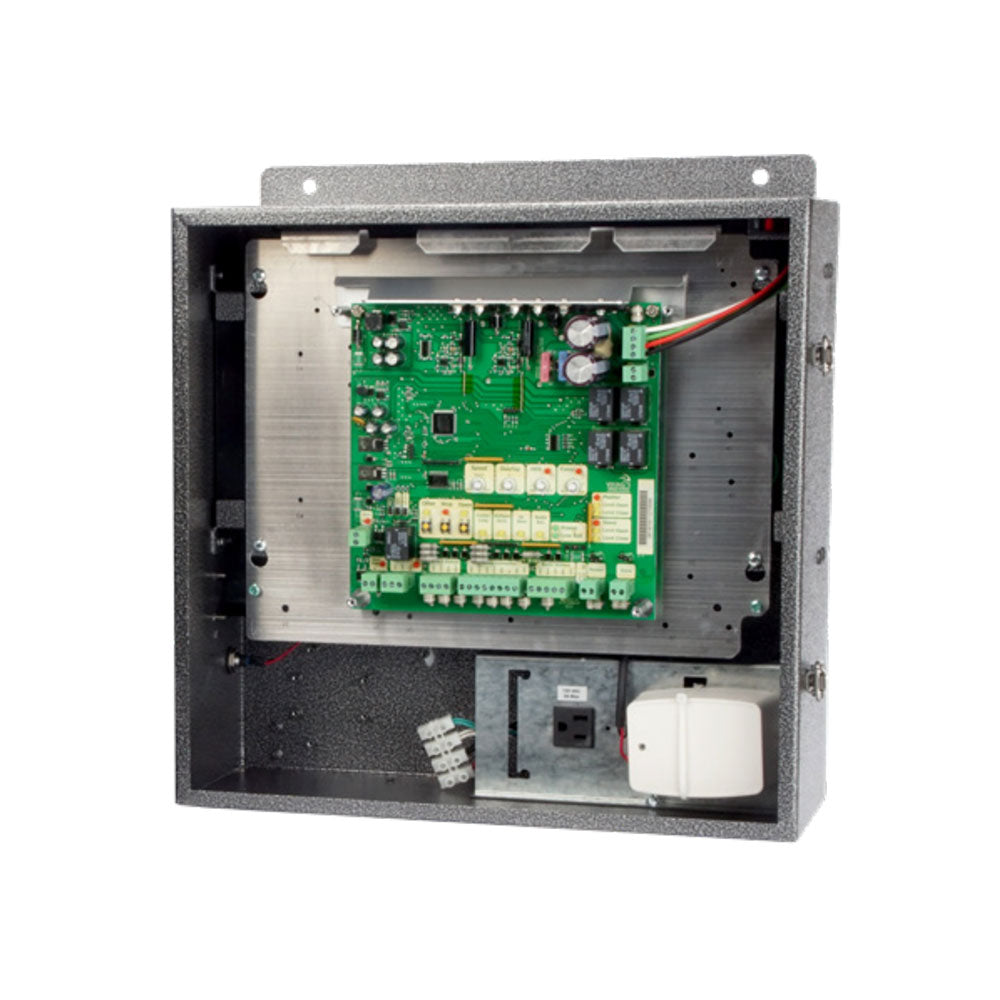
10. The Control Board or Operator Has a Fault
After checking the safety devices, external commands, gate mechanics, limits, and power, the problem may ultimately be inside the operator.
Possible components can include:
- Control board
- Motor
- Motor controller
- Limit system
- Encoder
- Transformer
- Charger
- Internal wiring
- Relays
- Other operator electronics
But the control board should not automatically be the first part you replace.
Many symptoms that appear to indicate a failed board can actually originate elsewhere.
For example:
Gate won’t close
could be caused by:
Photo eye → Safety edge → Loop detector → Access-control input → Mechanical resistance → Power problem → Position/limit problem → Control board
Replacing the most expensive component first can waste both time and money.
Look for Diagnostic Codes
Modern gate operators often provide troubleshooting information through:
- LEDs
- Displays
- Beeps
- Flash codes
- Diagnostic menus
- Mobile/service tools
These diagnostics can dramatically narrow the problem.
Write down the exact error or diagnostic code before disconnecting power or replacing components.
Then consult the manual for the exact operator model.
Troubleshooting by Symptom
Instead of checking random components, use the gate’s behavior to narrow your search.
Gate Opens but Won’t Close
Check first:
- Photo eyes
- Safety edges
- Vehicle detection
- Exit devices
- Hold-open/access-control inputs
- Diagnostic codes
Gate Starts Closing and Reopens
Check:
- Photo eyes
- Safety edges
- Mechanical resistance
- Gate track or hinges
- Position/limit system
- Operator diagnostics
Gate Stops Halfway
Check:
- Physical obstruction
- Gate resistance
- Wheels/rollers/hinges
- Chain
- Limits or position sensing
- Power/batteries
- Diagnostic codes
Gate Stays Open All the Time
Check:
- Vehicle detector
- Exit sensor
- Access-control relay
- Hold-open input
- Timer/schedule
- Fire/emergency input
- Safety-device faults
Gate Problem Is Intermittent
Look for:
- Loose wiring
- Intermittent photo-eye alignment
- Water intrusion
- Weak batteries
- Failing connections
- External command devices
- Environmental conditions
A Better Troubleshooting Order
When your automatic gate won’t close, avoid immediately ordering replacement parts.
Instead, troubleshoot systematically.
Step 1: Observe
What exactly does the gate do?
Step 2: Check for Obvious Obstructions
Inspect the opening, photo eyes, gate path, track, and hardware.
Step 3: Check Operator Diagnostics
Look for error codes, LEDs, or other indicators.
Step 4: Check Safety Devices
Inspect photo eyes and safety edges.
Step 5: Check Vehicle Detection
Determine whether a loop, exit sensor, or other detector remains active.
Step 6: Check External Commands
Inspect keypads, receivers, access-control systems, timers, and other connected devices.
Step 7: Check the Gate Mechanically
Make sure the gate itself moves correctly.
Step 8: Check Power
Inspect primary power, batteries, charging, and connections.
Step 9: Check Limits and Position
Follow the manufacturer’s procedure for the specific operator.
Step 10: Investigate Operator Components
Only after eliminating external causes should you begin suspecting components such as the control board or motor.
This approach can help prevent unnecessary replacement of perfectly functional parts.
Repair or Replace?
Not every gate problem requires a new operator.
Many problems can be corrected by replacing or servicing an individual component.
For example:
|
Problem |
Possible Component |
|---|---|
|
Photo eye fault |
Photo eye / wiring |
|
Edge fault |
Safety edge / transmitter |
|
Vehicle detection fault |
Loop detector / sensor |
|
Weak backup power |
Battery |
|
Remote doesn’t work |
Remote / receiver |
|
Gate binds |
Rollers / wheels / hinges |
|
Position issue |
Limit/position components |
|
Operator electronics fault |
Control board / internal component |
One of the advantages of professional gate operators is that many systems have individual replacement parts available.
Identifying the actual failure can therefore be considerably more economical than replacing the complete operator.
When Should You Call a Professional Gate Technician?
Some troubleshooting can involve basic visual inspection.
Other repairs should be handled by a qualified professional.
Consider contacting a gate technician when:
- The gate is moving unpredictably
- An entrapment-protection device has failed
- Electrical troubleshooting is required
- The gate is mechanically unstable
- The operator repeatedly trips protection devices
- Wiring is damaged
- The gate is extremely heavy or difficult to move
- You cannot identify the cause of the fault
- A repair requires opening or servicing internal operator components
- You aren’t comfortable performing the manufacturer’s troubleshooting procedure
Never continue operating an automatic gate when doing so could create an unsafe condition.
Frequently Asked Questions
Why does my automatic gate open but not close?
Common causes include a blocked or misaligned photo eye, activated safety edge, vehicle detector input, exit sensor, access-control command, mechanical resistance, power problem, or operator fault. Check the operator’s diagnostic indicators before replacing components.
Why does my gate start closing and then open again?
The system may be detecting an obstruction or abnormal condition. Inspect the photo eyes, safety edges, gate path, mechanical hardware, and operator diagnostics.
Can a photo eye stop a gate from closing?
Yes. Depending on the operator configuration, an interrupted, misaligned, damaged, or faulted photoelectric sensor can prevent normal closing operation.
Why does my automatic gate stay open?
Possible causes include an active vehicle detector, exit device, hold-open command, access-control relay, timer, safety-device fault, or other operator input.
Why does my gate stop halfway?
The gate may be encountering mechanical resistance, an obstruction, safety-device activation, a position or limit issue, power problem, or operator fault.
How do I know if my gate control board is bad?
Don’t diagnose a control board based on one symptom alone. First check operator diagnostics, power, batteries, safety devices, external inputs, wiring, limits, and gate mechanics. Follow the manufacturer’s troubleshooting procedure before replacing the board.
How do I know if my gate battery is bad?
A failing battery may cause slow, inconsistent, or unsuccessful operation, particularly under load. Battery testing procedures depend on the operator and battery type. Follow the manufacturer’s specifications or have the system tested by a qualified technician.
Should I bypass a gate safety sensor to see if it works?
Entrapment-protection devices should not be bypassed or defeated to return a gate to normal operation. Diagnose and correct the sensor, wiring, alignment, or system fault according to manufacturer instructions.
Find the Gate Parts You Need at All Security Equipment
When an automatic gate won’t close, the gate operator itself isn’t always the problem.
The issue could be a photo eye, safety edge, vehicle detector, exit sensor, remote, receiver, battery, gate roller, limit component, control board, or another part of the system.
The key is troubleshooting the problem systematically before replacing equipment.
At All Security Equipment, you’ll find replacement and repair components for automatic gate systems from leading manufacturers, including:
Photo Eyes | Safety Edges | Loop Detectors | Vehicle Sensors | Remotes | Receivers | Batteries | Control Boards | Gate Rollers | Gate Hardware | Operator Replacement Parts
Fix the Problem Without Guessing
Already identified the failed component?
Shop gate operator replacement parts and accessories at All Security Equipment to find the equipment you need to get your system operating properly again.
Still trying to determine what’s causing the problem?
Contact the All Security Equipment team with your gate operator model and the exact symptoms or diagnostic codes you’re seeing. Our team can help you identify compatible parts and narrow down the equipment you may need.