Skip to content


All Security Equipment offers Net 30 payment terms through Resolve to qualified business customers. Once approved, you can order security equipment and pay the full invoice 30 days from the invoice date. That gives you more flexibility to purchase what the job needs while keeping cash available for your crew and everyday operating expenses.
You have the next installation lined up. Your team is ready, and the customer wants to get moving. Along with the equipment, you still need to cover payroll, fuel, supplies, and the costs of keeping your business running.
For ASE Pro members and security equipment installers, Net 30 can help make that timing easier to manage. Whether you are preparing for a larger commercial project or coordinating two jobs at once, approved payment terms give you more room to plan your purchases.
Watch How ASE Net 30 Works
Our video explains how a business credit account through Resolve can support your next installation, from ordering equipment to paying your invoice.
What Does Net 30 Mean for Security Equipment Purchases?
Net 30 means the full invoice balance is due 30 days from the invoice date. With ASE Net 30 through Resolve, approved businesses can purchase equipment on terms and pay by the due date shown on the invoice.
For example, an invoice dated June 1 is due July 1. The payment period starts with the invoice date, rather than the day you finish the installation or collect payment from your customer.
That distinction helps you plan accurately. You know when the equipment bill needs to be paid and can coordinate purchasing, installation, and customer invoicing around that deadline.
How Net 30 Can Help Your Installation Business
Keep Cash Available for the Rest of the Job
A successful installation takes more than the products on the order. Your crew needs to get to the site, complete the work, and move on to the next project.
By deferring an approved equipment payment, you can keep more of your available cash on hand for payroll, fuel, installation supplies, and other operating expenses. That flexibility can be useful even when your business has an established customer base and a full schedule.
Give the Installation Time to Generate Revenue
The video highlights a practical opportunity: equipment can be installed and put to work before its invoice is due.
If you complete the job and your customer pays within your Net 30 window, you can use those funds toward the equipment bill. This can help bring the timing of your project income closer to the timing of your equipment payment.
Your invoice still needs to be paid by its due date, even if the installation runs longer or the customer pays later than expected.
Manage Overlapping Projects
Sometimes the next job is ready before the current one is finished. With approved Net 30 terms, you can order equipment for more than one installation within your account’s available credit limit.
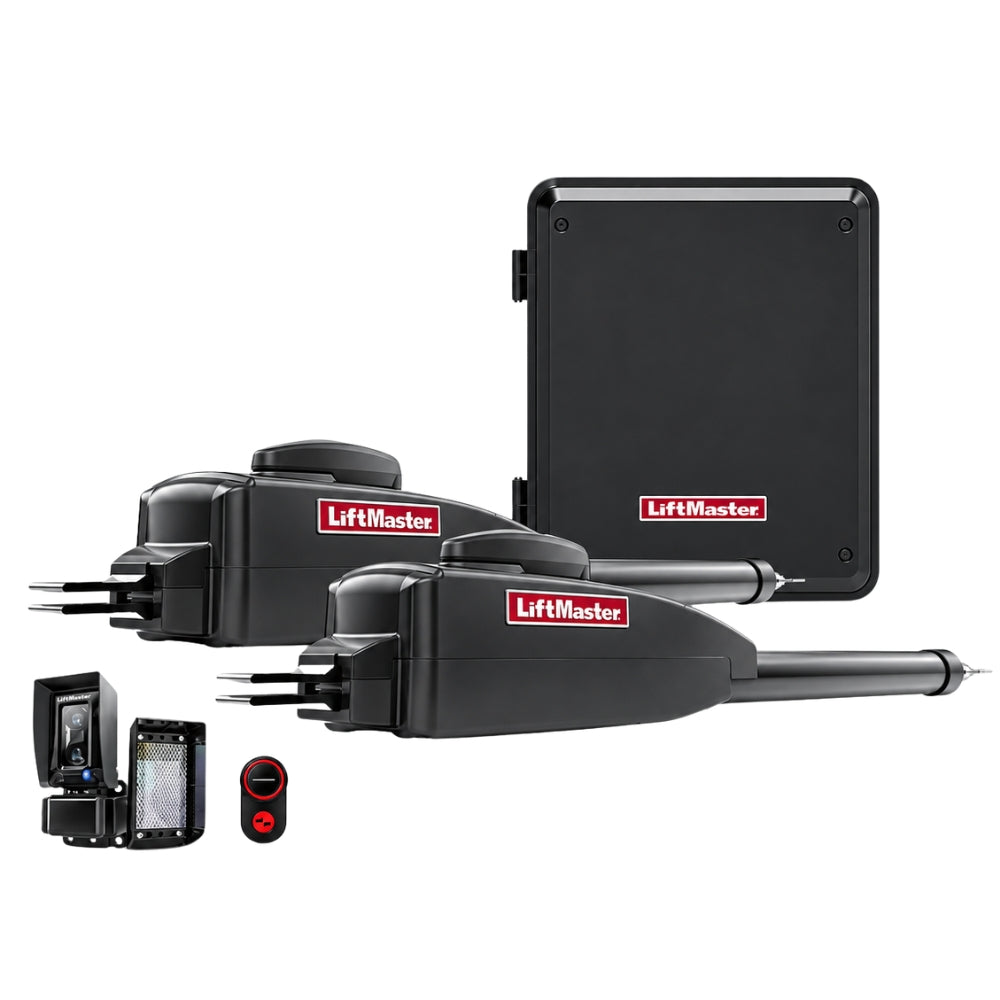
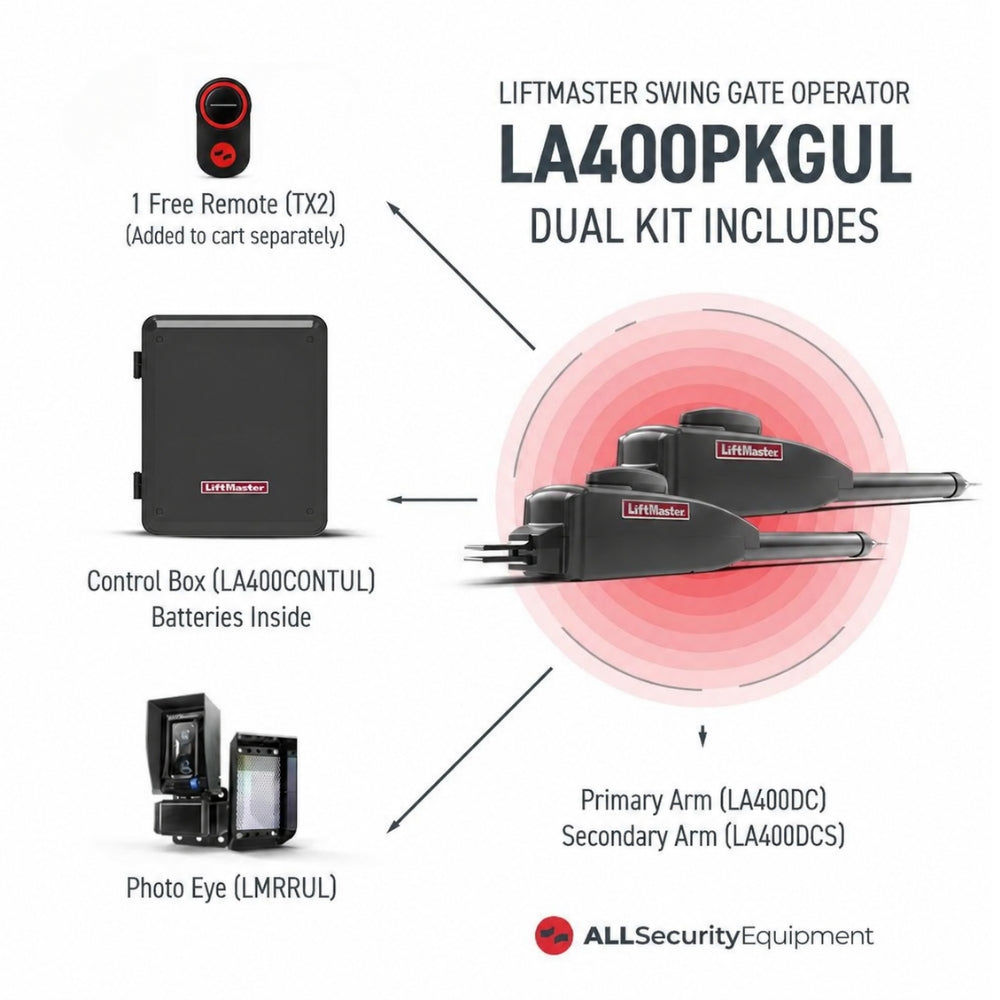
For example, you might be preparing a gate operator replacement while ordering access control equipment for a commercial entrance. Each invoice shows its own amount and due date, helping you plan the payments alongside your job schedule.
Prepare for Larger Installations
A larger commercial or industrial project can require more equipment and additional hands on site. Keeping cash available while ordering the equipment can give you more flexibility to prepare for that work.
Our sales team can also help you choose products and put your order together. Whether you are sourcing gate operators or access control equipment, you can discuss the project with ASE before placing your order.
A Net 30 Example for Installers
Here is the payment timeline used in the video:
| Timing | What happens |
|---|---|
| June 1 | Your equipment invoice is dated June 1, with payment due July 1. |
| During June | You receive the equipment, complete the installation, and invoice your customer. |
| Before July 1 | If your customer pays during this period, those funds can help cover the equipment invoice. |
| July 1 | The full equipment invoice is due, whether or not your customer has paid. |
This is an illustrative project timeline. Delivery, installation, and customer payment timing vary. Follow the due date on your Resolve invoice.
How to Apply for ASE Net 30
1. Complete the Business Application
Start with the ASE Net 30 application through Resolve. Submit the requested business information for review. Net 30 is available to qualified businesses and requires approval.
2. Order Online or With Our Sales Team
Once approved, you can use your terms when ordering online or over the phone, within your available credit limit. If you need help selecting equipment or putting together an order, our sales team can assist.
3. Manage and Pay Your Invoices Through Resolve
You will view your invoices and make payments through Resolve. Check the amount owed and the due date for each invoice, then schedule payment around your project cash flow.
You can also review our payment terms information or call (800) 730-8382 for help getting started.
Use Net 30 With Your ASE Pro Benefits
Net 30 is one of the purchasing benefits available to qualified businesses through the All Security Equipment Pro Program. Approved accounts can use Net 30 together with their applicable Pro tier pricing.
That means you can receive your eligible equipment discount while giving your business more time to pay. Pro membership is free, and Net 30 approval is a separate step.
Frequently Asked Questions About ASE Net 30
Is Net 30 Automatically Included With My Pro Account?
No. Pro members must qualify and receive approval for Net 30 through the application process. Creating a Pro account does not automatically establish a business credit account.
When Does the 30-Day Payment Period Begin?
The period begins on the invoice date. The full balance is due 30 days later, as shown on the invoice. Finishing the job or receiving customer payment does not reset that deadline.
Can I Use Net 30 for Multiple Installation Projects?
Yes. Approved businesses can order for multiple projects within their available credit limit. Track the amount and due date on each invoice.
Can I Place Net 30 Orders Online or by Phone?
Yes. Once approved, you can order online at AllSecurityEquipment.com or place your order with the ASE sales team over the phone.
Who Do I Pay for My ASE Net 30 Order?
Payments are made to Resolve. Use your Resolve account and the payment instructions on your invoice to manage the balance and pay by the due date.
Put Your Next Job on Better Terms
You have worked hard to build your installation business. Having the right equipment and a clear payment timeline can help you prepare for the next opportunity.
Apply for ASE Net 30 through Resolve, or call (800) 730-8382 and our sales team will walk you through getting started.
New to ASE Pro? Explore the Pro Program to see how it can support your next installation.