Skip to content

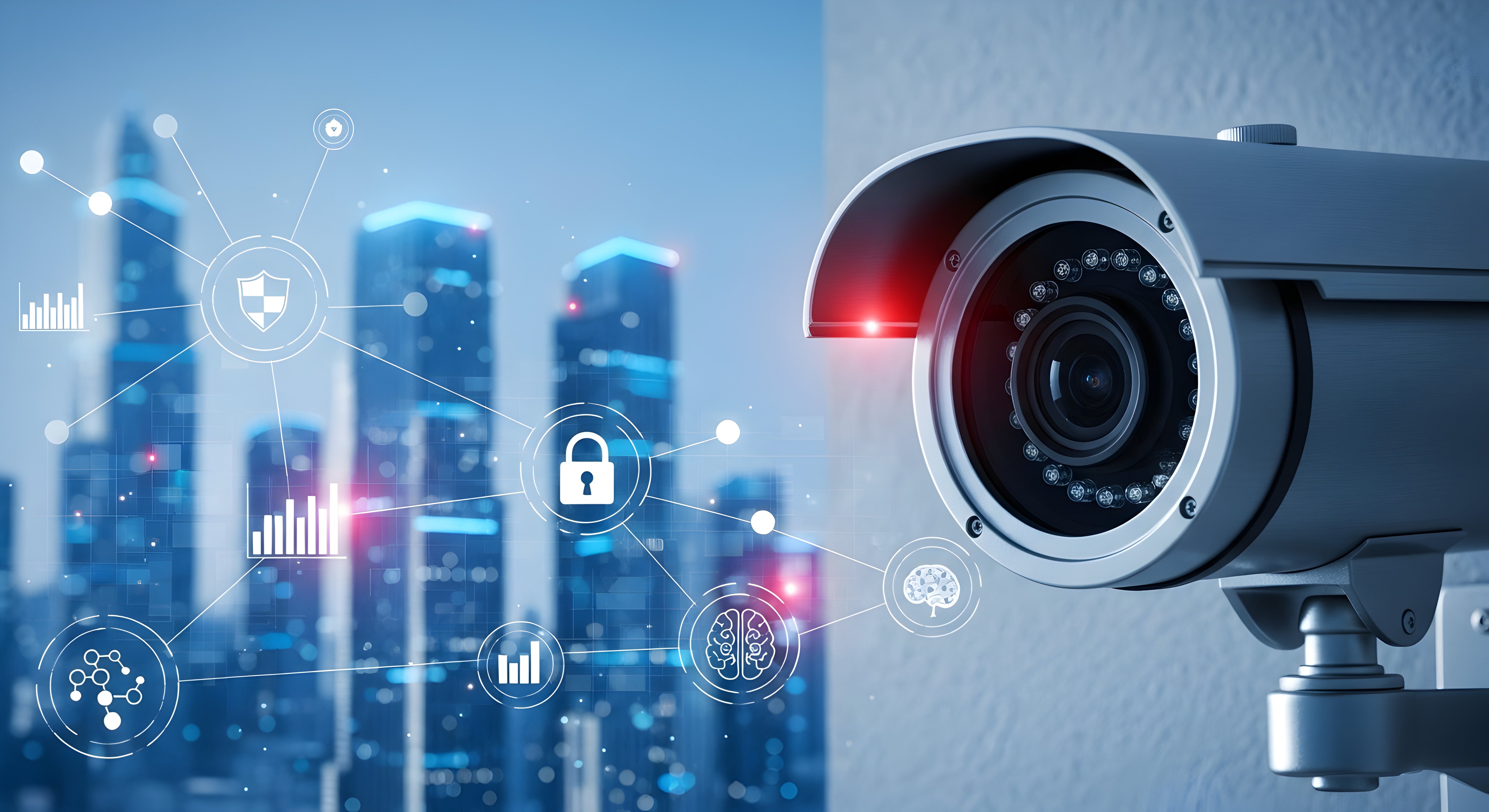
Most business camera systems have the same embarrassing secret: nobody watches them. Footage gets pulled after something goes wrong, and the motion alerts got muted months ago because a plastic bag kept setting them off.
An AI security camera exists to fix exactly that. Instead of recording everything and alerting on anything, it understands what it’s looking at: a person, a vehicle, a package, or just a branch in the wind. This guide covers what AI cameras actually do for a business, which features matter (object detection, active deterrence, false alarm filtering), and how to pick one without paying for buzzwords.
What makes a camera “AI” in the first place
A standard camera detects motion: pixels changed, so something moved. An AI security camera runs video analytics on the image itself, usually on a chip inside the camera, and classifies what it sees before deciding whether to act.
That one change ripples through everything. Alerts become “person detected at the back door,” searches become “show me every vehicle after 10 p.m.,” and the recorder can prioritize events that involve people instead of headlights sweeping a wall.
The three features that earn their keep
-
Object detection and classification: The camera distinguishes people, vehicles, and animals, and can restrict alerts to specific zones. For a business, that means the alert at 2 a.m. means a human is on the property, not that it’s raining.
-
Active deterrence: Instead of quietly recording a break-in, the camera responds: a white strobe, a siren, or a spoken warning the moment a person enters a protected zone after hours. Deterrent models like the Liberty L3 Advantage active deterrence camera turn the camera from witness into obstacle.
-
False alarm filtering: AI classification is what makes alerts trustworthy again. When notifications only fire on people or vehicles, staff stop ignoring them, and monitored response gets faster because operators aren’t wading through noise.
What AI cameras change day to day
The features above sound like security wins, and they are, but the daily difference shows up in operations:
-
Search in minutes, not evenings: Finding when a pallet disappeared used to mean scrubbing hours of footage. Object-based search jumps straight to every event involving a person in that aisle.
-
Fewer cameras doing more: Line crossing, loitering detection, and people counting run on the same hardware, so one camera covers jobs that used to need sensors or staff.
-
Alerts someone actually reads: When the false alarms drop, the alert channel becomes a signal. That’s the quiet foundation for everything else.
AI camera features, translated
Spec sheets stack these terms without explaining what they buy you. Here’s the translation:
|
Feature |
What it does |
Where it pays off |
|
Person / vehicle detection |
Classifies the object before alerting |
After-hours alerts you can trust |
|
Line crossing |
Flags anything crossing a drawn boundary |
Fence lines, loading docks, restricted aisles |
|
Loitering detection |
Alerts when someone lingers in a zone |
Entrances, ATMs, parking structures |
|
Active deterrence |
Strobe, siren, or voice warning on intrusion |
Lots, yards, storefronts overnight |
|
People counting |
Tallies entries and exits |
Occupancy, staffing, conversion data |
|
Object search |
Finds every clip with a person or vehicle |
Investigations in minutes, not hours |
Two notes before you buy on features alone. First, accuracy varies between brands and lighting conditions, so judge a camera by how it performs at your worst-lit door, not the demo video. Second, more analytics running at once means more processing, so check the spec sheet for how many rules a camera can run simultaneously.
How to choose an AI security camera for your business
-
Decide where the AI should live: On-camera analytics work without extra hardware; recorder-based AI can upgrade existing dumb cameras. Mixing both is normal.
-
Match the model to the job: Entrances want person detection and deterrence. Lots want vehicle classification and plate visibility. Interiors want people counting and zone alerts.
-
Check the compliance box: If your business touches government work, choose NDAA-compliant lines. Brands we stock like Hanwha Vision build AI analytics into compliant hardware, such as the Hanwha 4K AI bullet.
-
Don’t pay twice for analytics: Some platforms charge monthly for AI features the camera already runs on-board. Read the spec sheet before adding a subscription.
You can compare AI-enabled models across brands in our video surveillance collection. For a niche-specific example of the same analytics at work, see how AI video analytics serve senior living facilities.
A word on privacy and footage handling
AI classification raises fair questions from staff and customers, so set the ground rules when the system goes in. Post clear signage where recording happens, keep retention to what your industry actually requires, and restrict who can pull footage the same way you’d restrict who can open the safe. If you operate somewhere with biometric privacy laws, be careful with facial recognition specifically; person detection (is this a human?) and facial recognition (which human?) are different features with very different legal weight, and most businesses only need the first.
Frequently asked questions
What is an AI security camera?
It’s a camera that analyzes its own video using onboard analytics, classifying what it sees (people, vehicles, packages) instead of just detecting motion. That lets it send accurate alerts, trigger deterrence, and support object-based search.
How do AI cameras reduce false alarms?
They classify the cause of motion before alerting. Rain, headlights, animals, and moving branches get filtered out, and notifications fire only for the object types you choose, typically people and vehicles in defined zones.
What is active deterrence on a security camera?
It’s the camera responding in real time when a person enters a protected zone: a strobe light, a siren, or a recorded voice warning. The goal is to interrupt an intrusion while it’s starting rather than documenting it afterward.
Are AI security cameras worth it for a small business?
Usually yes, because the price gap has closed. Mid-range business cameras now include person and vehicle detection as standard, and the payoff (alerts you can trust and searches that take minutes) applies to a single storefront as much as a warehouse.
Do AI cameras need a monthly subscription?
Not necessarily. Many models run analytics on the camera itself with no recurring fee, while some cloud platforms charge for the same features. Check whether the AI runs on-board before paying for it as a service.
Cameras that finally pay attention
The camera on your wall was never the problem; the noise was. An AI security camera earns its place by telling you only what matters, scaring off the person testing your back door, and finding in thirty seconds the clip that used to take an evening. Pick the features by the job, keep the analytics on the hardware where you can, and your video system stops being an archive of bad news and starts preventing some of it.