Skip to content

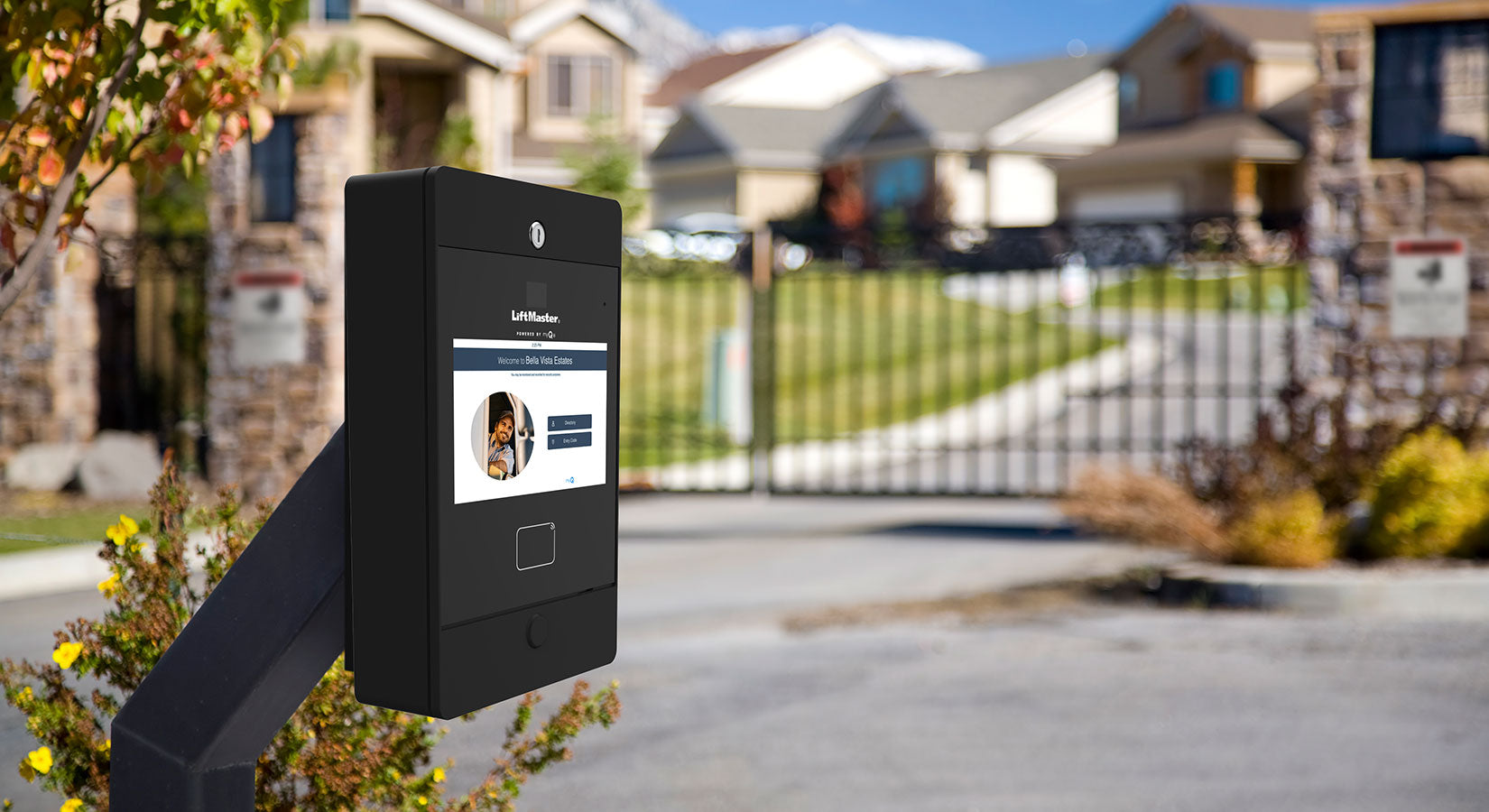
If you own or manage a LiftMaster CAP Series access control system, there’s an important update you should be aware of.
LiftMaster has announced a mandatory firmware update for select myQ® Community-enabled access control devices. This update is designed to meet new cybersecurity requirements and ensure continued communication with LiftMaster’s cloud services.
The deadline to complete the update is June 30, 2026.
If an affected device isn’t updated by then, it will no longer be able to communicate with the myQ Community cloud platform, which may impact cloud-based features such as remote management and monitoring.
Buying a New LiftMaster CAP Device?
Here’s some good news.
All current LiftMaster CAP Series products shipping from All Security Equipment are already compatible with the updated myQ cloud requirements.
This firmware update primarily affects older devices manufactured before October 2024 that are still running outdated firmware.
If you’re purchasing a new CAP Series system today, no additional action should be required before installation.
Why Is This Firmware Update Required?
LiftMaster is upgrading device communication to a newer security standard that better protects data exchanged between CAP Series devices and the myQ Community cloud.
While this change happens behind the scenes, it provides several important benefits, including:
- Improved cybersecurity
- Stronger encrypted communication
- Better protection against emerging security threats
- Continued compatibility with LiftMaster cloud services
This is a mandatory security update required by LiftMaster’s cloud infrastructure.
What Happens If You Don’t Update?
Devices that haven’t been updated by June 30, 2026 will no longer be able to communicate with LiftMaster cloud services.
Depending on your installation, this may affect cloud-based features such as:
- Remote management
- System monitoring
- Cloud communication through myQ Community
To avoid interruptions, LiftMaster recommends updating affected devices well before the deadline.
Which LiftMaster Devices Are Affected?
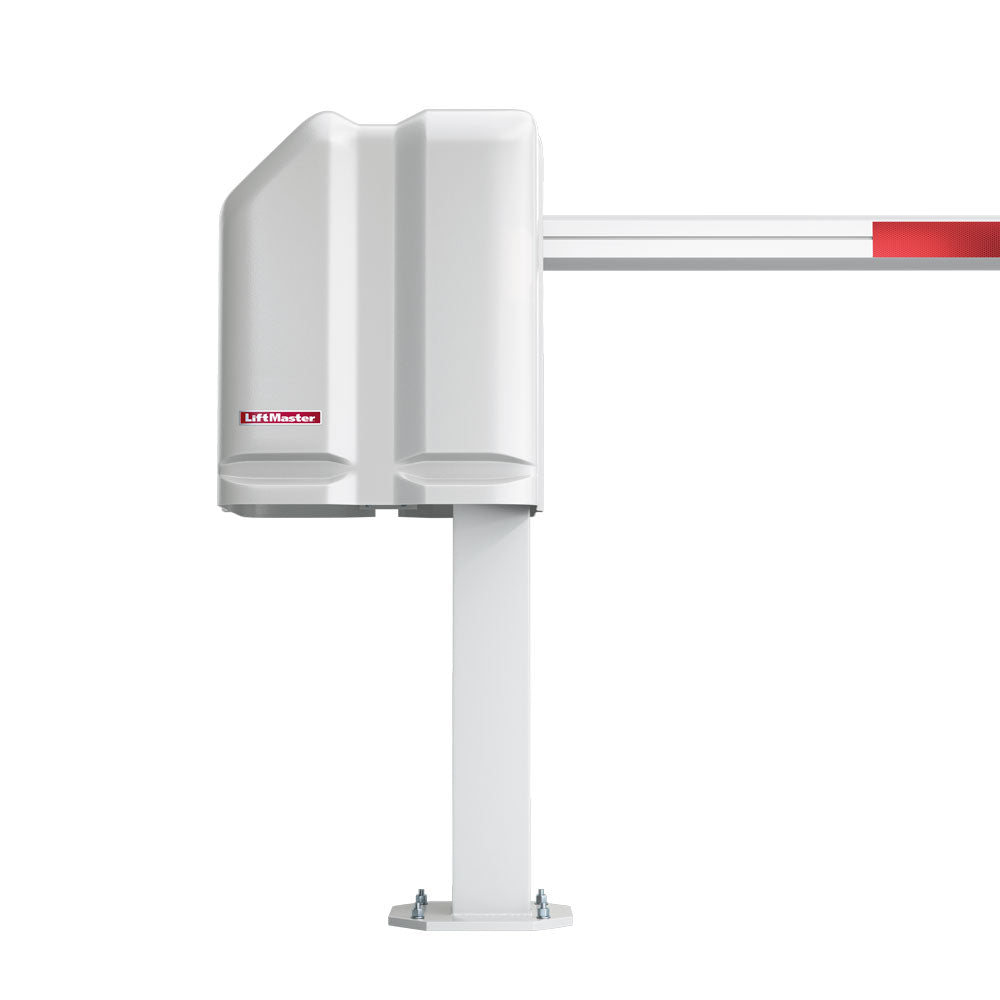
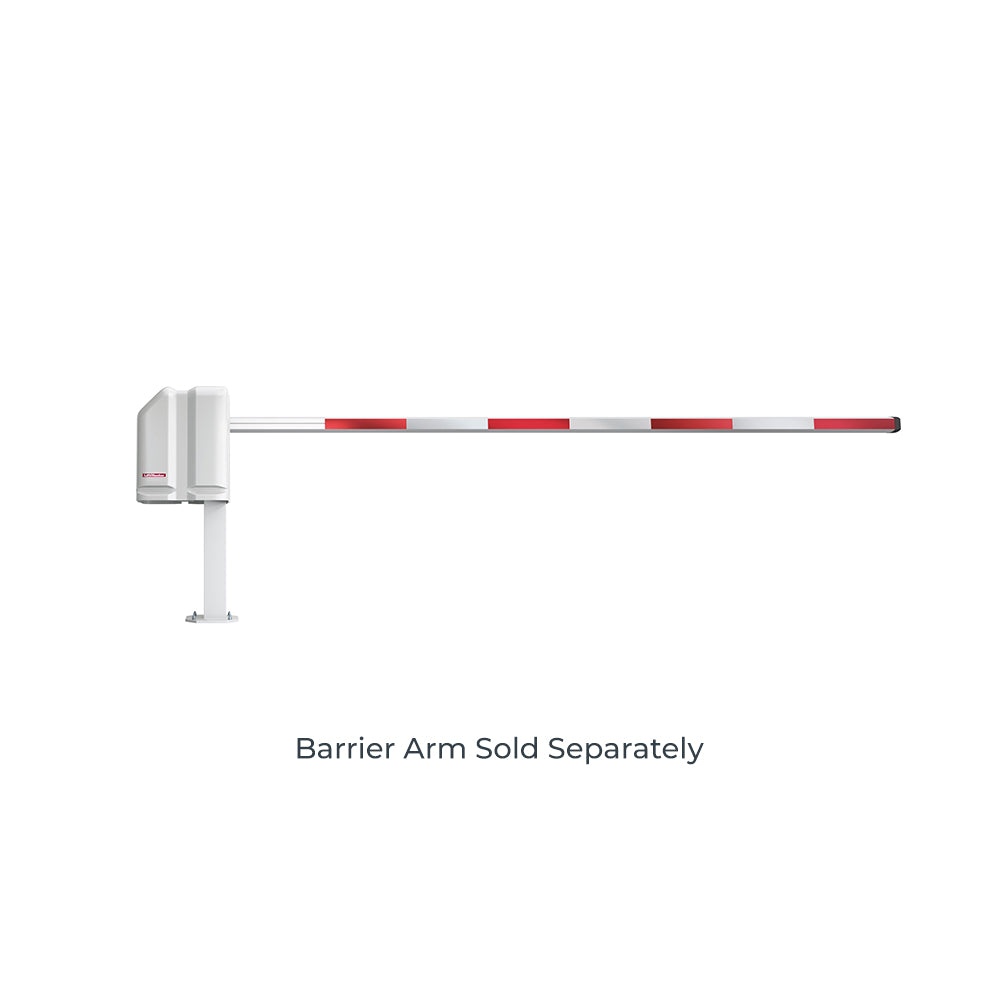
The firmware update applies to several LiftMaster CAP Series products, including:
It also applies to certain replacement control board service kits used with these systems.
If your equipment was manufactured before October 2024, you should verify that it’s running the latest supported firmware.
Minimum Firmware Versions Required
Affected devices should be running at least the following firmware version:
|
Device |
Minimum Firmware Version |
|---|---|
|
CAPXLV2MC, CAPXM, CAPXMMC, CAPXS |
4.13.4 or higher |
|
K41-0366-000MC, K41-0217-000MC |
4.13.4 or higher |
|
CAPXL, CAPXLV, CAPXLVMC |
3.7.6 or higher |
|
CAP2D |
3.7.4 or higher |
|
CAP4AP, CAPXAP |
5.6.1 or higher |
If your firmware version is lower than the one listed above, LiftMaster recommends updating your device as soon as possible.
How to Update Your Device
Updating your firmware through myQ Community only takes a few steps:
- Log in to your myQ Community account.
- Navigate to the Devices tab.
- Select your device.
- Open Advanced Settings.
- Click Update Firmware.
If the Update Firmware button is grayed out, your device is already running the latest available firmware.
Enable Automatic Firmware Updates
LiftMaster also recommends enabling automatic firmware updates to help keep your system secure and current.
Automatic updates help:
- Install future security improvements automatically
- Reduce the risk of missing critical updates
- Keep devices compatible with future cloud services
- Minimize maintenance over time
Beginning June 1, 2026, LiftMaster plans to automatically enroll eligible devices in firmware updates to help customers meet the required deadline.
Frequently Asked Questions
Is this firmware update mandatory?
Yes. LiftMaster requires this firmware update for affected CAP Series devices. Systems that aren’t updated by June 30, 2026 will no longer be able to communicate with LiftMaster’s myQ Community cloud services.
Which LiftMaster devices are affected?
This update applies to select CAP Series access control systems, including CAPXL, CAPXLV, CAPXLV2MC, CAPXM, CAPXMMC, CAPXS, CAP2D, CAP4AP, CAPXAP, and certain replacement control boards. If your device was manufactured before October 2024, you should verify that it’s running the required firmware version.
I just purchased a new LiftMaster CAP Series device. Do I need to do anything?
Probably not. All current CAP Series products shipping from All Security Equipment are already compatible with the updated myQ cloud requirements. This update primarily affects older devices manufactured before October 2024.
How can I check my firmware version?
Log in to your myQ Community account, select your device, and open Advanced Settings. There you’ll be able to verify your current firmware version and install an update if one is available.
What happens if I don’t update my device?
If an affected device isn’t updated by June 30, 2026, it will no longer communicate with LiftMaster’s cloud services. This may impact cloud-based features such as remote management, monitoring, and other myQ Community functions.
Will my gate or door stop working?
Your access control hardware should continue to operate locally. However, cloud-connected features that rely on myQ Community may no longer function until the device is updated.
How long does the firmware update take?
The firmware download typically takes 5 to 15 minutes, depending on your internet connection. During installation, the device will briefly reboot, with expected downtime of less than five minutes.
Do I need to be on-site during the update?
No. In most cases, the firmware update can be completed remotely through your myQ Community account.
What if the firmware update fails?
LiftMaster has stated that customers whose devices cannot be successfully updated may be eligible for replacement hardware through its support process. If you encounter any issues, contact All Security Equipment and we’ll be happy to assist.
What if I have replacement boards or older inventory?
If you have CAP Series devices or replacement control boards that have been in storage, it’s a good idea to update them before installation. This helps ensure they’re ready to connect to the latest myQ Community cloud platform without delays.
Where can I get help?
If you’re unsure whether your device is affected or need assistance updating your firmware, the team at All Security Equipment is here to help. Contact us for guidance on firmware compatibility, replacement parts, or LiftMaster access control products.
Final Thoughts
Cybersecurity updates have become an essential part of maintaining modern access control systems. This mandatory LiftMaster firmware update helps ensure your CAP Series devices remain secure, compatible, and connected to the latest myQ Community cloud services.
If you already own a compatible CAP Series system, now is a great time to verify your firmware version and complete the update well before the June 30, 2026 deadline.
If you’re purchasing a new LiftMaster CAP Series product from All Security Equipment, you can shop with confidence knowing that current shipments are already compatible with the updated cloud requirements.
Need Help?
Not sure whether your system is affected or need assistance updating your firmware?
Our team is here to help. Whether you’re identifying your control board, checking firmware compatibility, or purchasing replacement LiftMaster access control equipment, All Security Equipment can help you find the right solution.
Contact us today for expert LiftMaster product support and access control guidance.