Skip to content

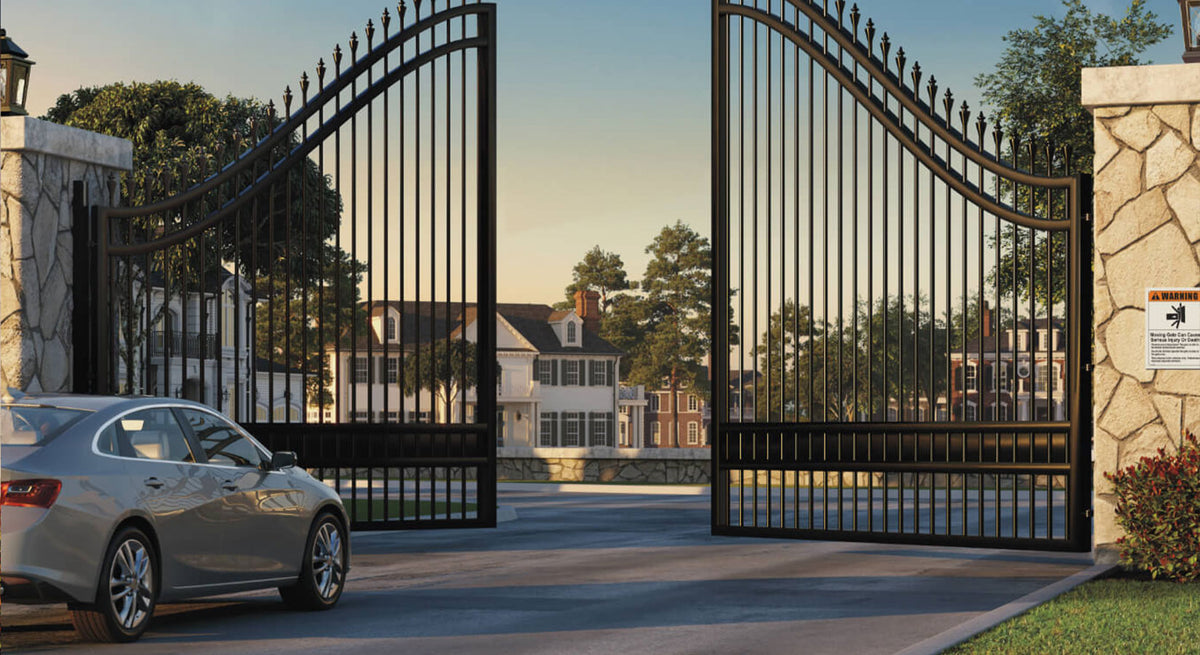
The Cartell CW-SYS sends an opening request to a powered gate when the driveway sensor detects a passing vehicle. The sensor communicates wirelessly with an Integrator wired to the gate operator. The Cartell wireless exit sensor manual provides placement, pairing, wiring, and testing instructions for the system.
Confirm that your equipment is the Cartell CW-SYS before following its instructions. Cartell’s installation instructions page separates the wireless Cartell CW-SYS, wired Cartell CP-4, driveway sounder, and phone notification systems. The linked Cartell CW-SYS PDF contains the English Version 7 manual dated January 2025; match the instructions to your hardware revision.

How the Cartell CW-SYS Opens Your Gate
The driveway puck senses changes in the magnetic field caused by moving steel. When a vehicle passes, the puck sends a radio signal to the Integrator. The Integrator’s relay then provides the gate operator with an opening request through its compatible exit or open input.
“Wireless” describes the connection from the driveway sensor to the Integrator. The Integrator still needs a suitable power supply and a wired connection to the operator. You avoid running a signal cable from the driveway puck to the gate; you still need the gate equipment installed and configured correctly.
Free exit also has a specific job: requesting an opening as a vehicle leaves. The Cartell CW-SYS does not replace the gate operator’s required safety devices. Cartell identifies this as a professionally installed system, so have the installer verify the control-board connection and the complete gate’s operation.
Choose a Location for the Cartell CW-SYS Sensor
Placement determines when the gate receives its opening request and whether the radio signal reaches the Integrator. Test the proposed location with the vehicles that will actually use the driveway before digging or permanently fastening the puck.
Cartell’s Version 7 manual recommends placing the sensor at least 50 feet from the gate operator where possible. Its placement guidance is based on a vehicle moving at about 5 mph and being detected after it passes the sensor. Treat that as a starting point for the site test, especially where cars approach slowly or stop close to the gate.
Check the following during that test:
-
Vehicle path: confirm detection across the part of the driveway drivers actually use, rather than testing only beside the puck.
-
Nearby traffic: verify that passing vehicles outside the intended exit route do not create unwanted gate-opening requests.
-
Radio path: test with the Integrator at its final position and the sensor at its intended mounting height or ground level.
-
Mounting stability: use a secure ground installation or an immovable mounting point. Movement of the puck itself can cause false detections.
For a ground installation, Cartell recommends keeping the lid exposed for better radio range and packing the surrounding soil firmly. Keep the lid, rim, and gasket clean before closing the housing. Direct installation in the driveway uses a different preparation and sealing procedure; follow the matching manual instead of treating it like a soil installation.
Pair and Test the Cartell CW-SYS
A Cartell CW-SYS kit is paired at the factory. Additional units need pairing, so begin by confirming whether you are installing a complete kit or adding a sensor. Use the pairing sequence in the manual for the equipment you have; do not assume that the wired Cartell CP-4 instructions apply.
The sensor’s test mode can transmit without a passing vehicle, making it useful for checking the radio connection. That test alone does not confirm vehicle detection at the chosen location. After the radio test, drive through the intended route and verify that the gate receives the request at the right point.
Repeat both checks after final mounting. Soil, buildings, vegetation, and a metal operator enclosure can affect the radio path. The advertised range is an estimate under stated conditions, so use the result at your property to decide whether placement or an approved antenna or repeater arrangement needs attention.
Check the Cartell CW-SYS Integrator Connection
Have the installer match the Cartell CW-SYS relay wiring diagram to the operator’s actual control-board manual. The alarm relay and the low-battery output serve different purposes, and terminal labels vary between operators. Match the Integrator’s required supply to the hardware and documentation supplied with your system.
Also check the Integrator’s operating mode. Cartell states that its relay does not operate in repeater mode. An Integrator configured to repeat a radio signal therefore cannot be assumed to provide the gate-opening relay output in that same mode.
All Security Equipment’s Cartell CW-SYS product page contains the system components and product literature. Use it to confirm what is supplied, then have the installer resolve the power and control requirements before installation.
Troubleshoot Cartell CW-SYS Gate Opening Problems
|
What you observe |
What to check |
Why it matters |
|---|---|---|
|
No response during the radio test |
Sensor batteries, pairing, Integrator power, and radio path |
The opening request may not be reaching the receiver. |
|
Integrator responds, but the gate stays closed |
Relay operating mode, wiring, and operator input |
A received signal does not prove the gate connection is correct. |
|
Works nearby, fails in the final position |
Mounting depth, obstructions, and antenna location |
Range must be verified at the installed location. |
|
Unexpected opening requests |
Puck movement, nearby vehicle traffic, and test mode |
The trigger may come from the installation or test setup. |
Before contacting support, note the Cartell CW-SYS serial number, gate operator model, whether the Integrator responds, and the conditions that reproduce the problem. Those details help distinguish a sensor or radio issue from a gate-control issue. Avoid changing several settings at once, which makes the original cause harder to identify.
Adding Phone Alerts to a Cartell Installation
Automatic gate opening and phone notifications are different functions. If your next step is receiving driveway alerts on your phone, read All Security Equipment’s Cartell HUB system guide for the Cartell CW-HUB and Cartell CW-HBA options. Confirm compatibility with your existing components before choosing an upgrade.
Cartell Wireless Exit Sensor FAQs
Is the Cartell CP-4 wireless?
No. The Cartell CP-4 is wired, while the Cartell CW-SYS uses a wireless link between its driveway sensor and Integrator; use the manual for the exact model.
Which batteries does the Cartell CW-SYS sensor use?
The Cartell CW-SYS sensor uses two CR123A batteries. Cartell’s Version 7 manual specifies replacing both together, avoiding rechargeable batteries, matching the marked polarity, and cleaning the sealing surfaces.
Can the Cartell CW-SYS work with a solar gate?
Compatibility depends on the Cartell CW-SYS hardware revision, Integrator power requirements, and available solar capacity. Ask All Security Equipment and the installer to confirm the exact configuration before ordering.