Skip to content

A delivery entrance is one of the busiest access points at many commercial properties. Throughout the day, trucks arrive with shipments, employees enter and exit, contractors request access, and visitors need directions to the correct loading area.
Managing all this activity requires more than simply opening and closing a gate.
An effective delivery entrance access control system helps businesses control who enters their property, manage vehicle traffic, and provide convenient access for authorized drivers without compromising security.
From warehouses and distribution centers to manufacturing facilities and commercial parking areas, the right combination of automatic gates, keypads, intercoms, RFID readers, and vehicle detection equipment can make daily operations more efficient.
But which equipment does your facility actually need?
In this guide, we’ll explore the different technologies used for commercial delivery entrance access control, explain how they work together, and help you choose the right solutions for employees, delivery drivers, contractors, and visitors.
What Is Delivery Entrance Access Control?
Delivery entrance access control refers to the equipment and procedures used to manage vehicle and pedestrian entry at commercial properties.
Instead of leaving a gate open or relying entirely on employees to manually grant access, businesses can use automated systems to authorize and manage entry.
A typical system may include:
- Automatic gate operators
- Access control keypads
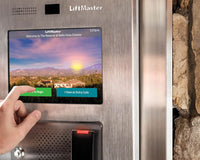
- Video intercoms
- RFID readers
- Vehicle detection sensors
- Access control pedestals
- Security cameras
- Centralized access management software
These components work together to help determine who can enter, when access is permitted, and how vehicles move through the property.
For example, an employee may use an RFID credential to enter, while a delivery driver contacts the receiving department through an intercom.
Both users access the same property, but their authorization methods are different.
Explore access control equipment for commercial and industrial applications.
Why Do Warehouses and Distribution Centers Need Access Control?
Commercial delivery entrances face challenges that are different from those of residential driveways or small parking lots.
A warehouse may receive dozens of deliveries throughout the day, involving multiple transportation companies and drivers who aren’t regular employees.
Without an organized access control system, facilities may experience:
- Unauthorized vehicle entry
- Delays at entrance gates
- Congestion during peak delivery periods
- Difficulty verifying visitors
- Shared access codes
- Limited visibility into entry activity
- Employees manually opening gates for every delivery
A well-designed access control system can help reduce these challenges.
Improved Property Security
Access control allows businesses to restrict entry to authorized individuals and vehicles.
Instead of providing unrestricted access, the system can require a credential, PIN, or approval before opening the gate.
More Efficient Deliveries
Drivers can request entry through a designated system rather than searching for an employee to open the gate manually.
Better Employee Access
Authorized employees can use credentials that provide convenient entry without requiring assistance from security or receiving personnel.
Greater Control Over Visitors
Contractors, service providers, and occasional delivery drivers can follow a different access process from permanent employees.
More Organized Traffic Flow
Access control equipment can work alongside vehicle detection and automatic gate systems to support safer and more efficient vehicle movement.
Understanding the Different Users at a Delivery Entrance
Before choosing equipment, identify who needs access.
Different users often require different solutions.
|
User Type |
Typical Access Frequency |
Common Access Method |
|---|---|---|
|
Employees |
Daily |
RFID credential, keypad, or mobile access |
|
Regular delivery drivers |
Frequent |
Assigned credential or managed PIN |
|
Occasional delivery drivers |
Infrequent |
Intercom or temporary credential |
|
Contractors |
Temporary |
Time-limited PIN or authorized credential |
|
Visitors |
Occasional |
Intercom with staff approval |
|
Security personnel |
Daily |
Managed credential or access control system |
The best system doesn’t necessarily use one access method for everyone.
Instead, it provides appropriate access options for different users.
1. Access Control Keypads for Delivery Entrances
Keypads are among the most straightforward ways to control access to a commercial gate.
A driver enters an authorized PIN, and the system sends an opening command to the compatible gate operator.
A basic configuration looks like:
Driver enters PIN → Keypad verifies access → Gate opens
Depending on the equipment, the keypad may operate independently or communicate with a separate access control controller.
Standalone Keypads
Standalone keypads store authorized codes internally.
They can be practical for smaller facilities with relatively simple access requirements.
For example, a warehouse with a limited number of employees and contractors may only need a keypad with individual user codes.
Controller-Based Keypads
Larger facilities may benefit from keypads connected to a centralized access control system.
This arrangement can support features such as:
- Centralized user management
- Access schedules
- Individual permissions
- Multiple entry points
- Event history
The available capabilities depend on the controller and software platform.
When Are Keypads a Good Choice?
Keypads are useful when:
- Drivers don’t have physical credentials
- Temporary access codes are needed
- The facility has a manageable number of users
- Employees require a convenient entry method
- Access permissions need to be changed periodically
However, shared PINs should be avoided when individual accountability is important.
Browse access control keypads for available options.
2. Video Intercom Systems for Delivery Drivers
Video intercoms are particularly useful when drivers need approval before entering a property.
Instead of providing every delivery company with a permanent access code, the facility can allow drivers to request entry.
A typical process looks like:
Driver arrives → Presses call button → Staff verifies visitor → Gate opens
Depending on the system, staff may communicate through:
- Indoor stations
- Desktop interfaces
- Mobile applications
- Other compatible management platforms
Why Are Video Intercoms Useful for Warehouses?
Delivery drivers often change.
A transportation company may send a different driver every week.
Providing permanent access credentials to every driver can become difficult to manage.
A video intercom allows authorized personnel to verify a visitor before granting access.
Features to Consider
When comparing video intercom systems, look for:
- Two-way communication
- Video capabilities
- Remote access options
- Gate operator integration
- Outdoor suitability
- Network requirements
- Call routing
- User management
Not every intercom offers the same features, so review the manufacturer’s specifications.
Where Should the Intercom Be Installed?
At a truck entrance, the intercom should be positioned where the driver can reach or use it conveniently.
This often requires a commercial access control pedestal designed for larger vehicles.
3. RFID Readers for Employee and Fleet Access
RFID technology allows users to present an authorized credential to a compatible reader.
Depending on the system, the credential may be:
- Access card
- Key fob
- Vehicle tag
- Windshield credential
- Other supported RFID identifier
The reader communicates credential information to the access control system.
If the credential is authorized, the system can activate the gate.
Short-Range RFID
Short-range readers typically require users to present a card or credential relatively close to the reader.
These systems can be useful for:
- Employee entrances
- Pedestrian access points
- Controlled parking entrances
Long-Range RFID
Long-range RFID systems can be particularly useful for commercial vehicle access.
Depending on the equipment and installation, a reader may identify an authorized vehicle credential without requiring the driver to stop directly beside a keypad.
This can be valuable for:
- Company fleets
- Regular delivery vehicles
- Distribution centers
- Industrial facilities
- Employee parking entrances
Benefits of RFID for Regular Users
RFID can help reduce the need to distribute shared PINs.
Individual credentials can also be managed through a compatible access control platform.
For facilities with frequent vehicle traffic, RFID may provide a more convenient entry experience than manual keypad access.
4. Automatic Gate Operators for Commercial Entrances
Access control devices determine whether entry should be authorized.
The gate operator performs the physical movement.
A commercial delivery entrance may use:
- Sliding gate operators
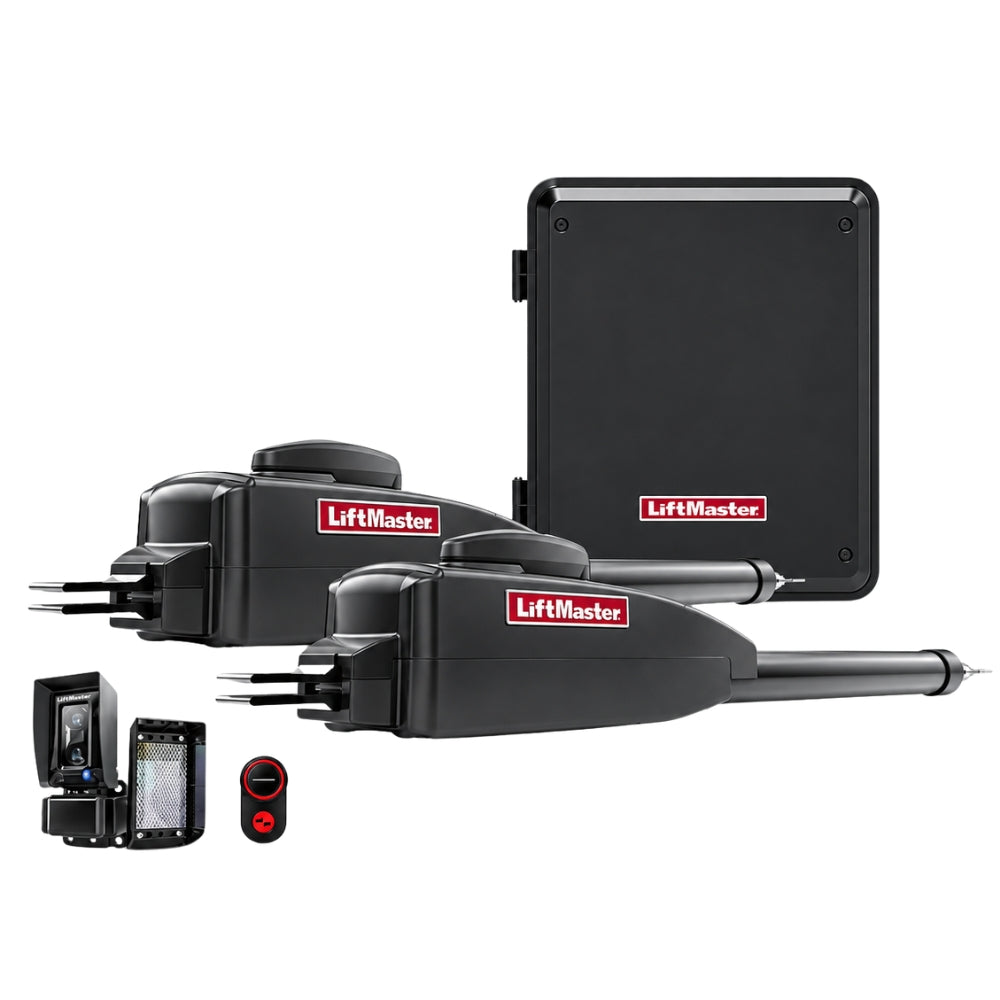
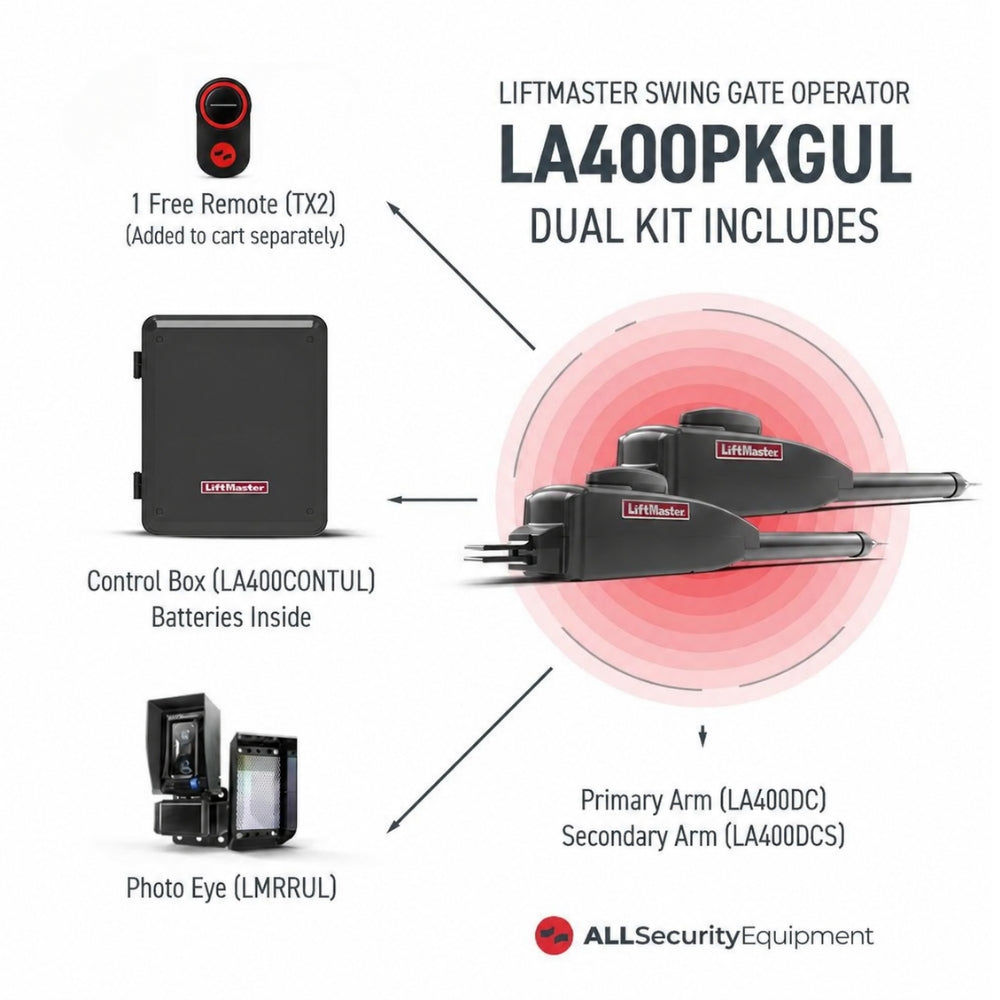
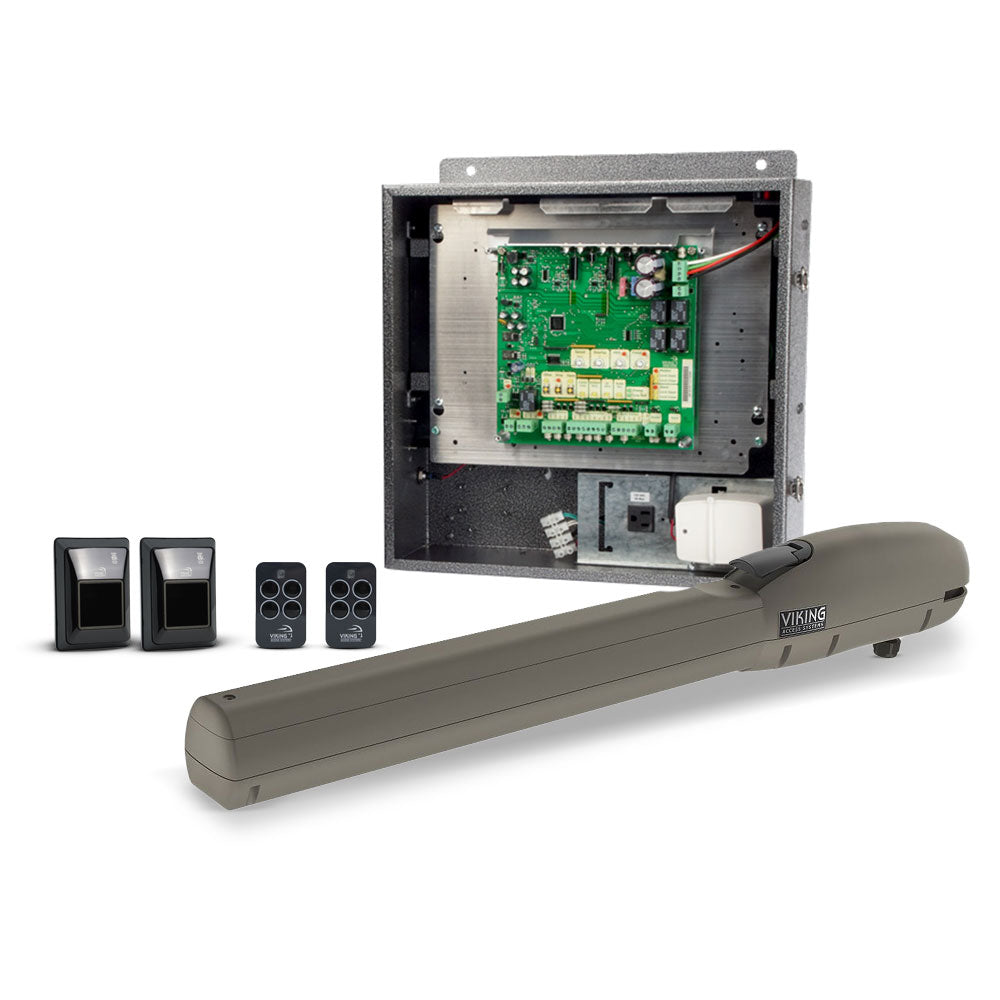
- Swing gate operators
- Barrier gate operators
Each serves different applications.
Sliding Gate Operators
Sliding gates move horizontally along the fence line.
They are commonly used where:
- A wide vehicle opening is needed
- The driveway has limited space for a swinging gate
- The entrance experiences frequent vehicle traffic
- Commercial-duty equipment is appropriate
The operator must be selected based on gate weight, length, construction, and expected usage.
Swing Gate Operators
Swing gates rotate around hinges.
They may be appropriate where the property has enough space for the gate’s travel.
For commercial applications, important considerations include:
- Gate dimensions
- Gate weight
- Wind exposure
- Opening direction
- Traffic volume
- Operator duty rating
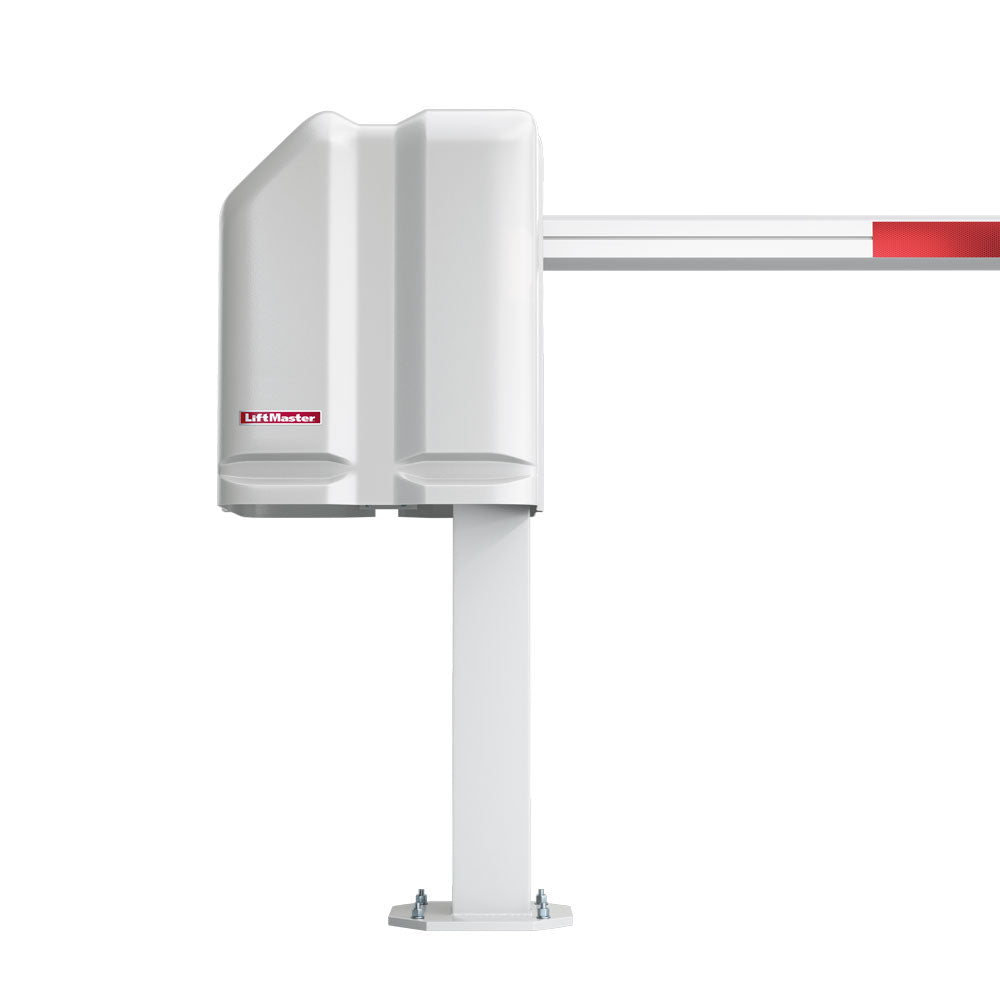
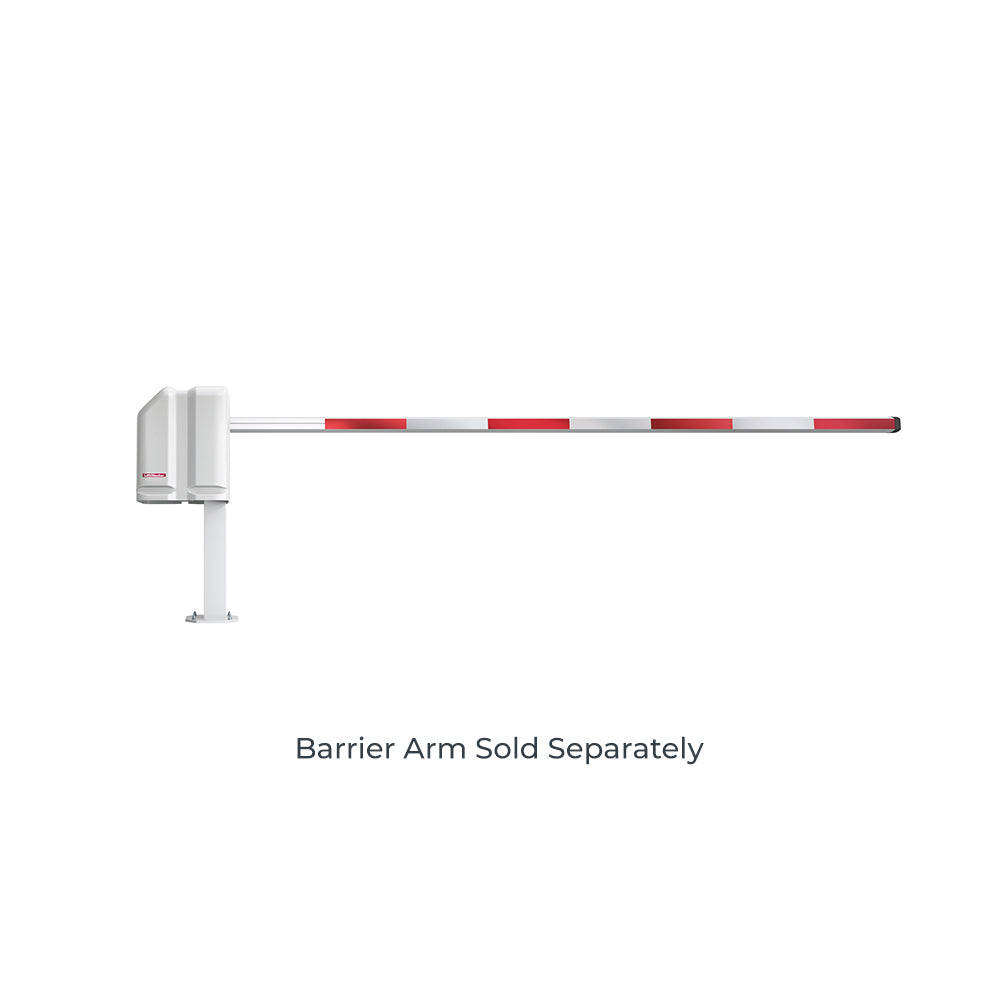
Barrier Gate Operators
Barrier gates use a rising arm to control vehicle passage.
They are commonly used at:
- Commercial parking entrances
- Employee parking areas
- Controlled vehicle checkpoints
- Facilities with frequent vehicle movement
A barrier arm controls traffic movement but generally doesn’t provide the same physical perimeter security as a full-height gate.
The appropriate choice depends on the facility’s security objectives.
Explore gate openers and operators for commercial applications.
5. Vehicle Detection Systems for Delivery Entrances
Vehicle detection equipment can help an automatic gate system identify the presence of vehicles.
Common technologies include:
- Inductive loop detectors
- Radar sensors
- Vehicle sensing probes
Each technology has different operating characteristics.
Inductive Loop Detectors
Loop detectors use a wire loop installed in the pavement to detect changes caused by a vehicle.
They are commonly used for:
- Vehicle presence detection
- Exit requests
- Traffic control
- Gate automation
Radar Vehicle Detectors
Radar sensors detect vehicles within a designated detection area.
Depending on the product, radar can provide an alternative to pavement-installed loops.
Vehicle Sensing Probes
Vehicle sensing probes detect changes associated with nearby vehicles.
They may be used for specific vehicle detection applications, depending on the system.
Why Does Vehicle Detection Matter?
Vehicle detection can help support:
- Automatic exit requests
- Vehicle presence monitoring
- Traffic management
- Gate operation sequences
However, vehicle detection equipment should not automatically be treated as a substitute for required monitored entrapment-protection devices.
Gate safety systems must follow the operator manufacturer’s requirements and applicable standards.
6. Access Control Pedestals for Cars and Trucks
One of the most overlooked parts of commercial access control is the mounting height of the equipment.
A keypad installed at a convenient height for a passenger car may be difficult for a truck driver to reach.
This becomes especially important at:
- Distribution centers
- Warehouses
- Industrial facilities
- Truck entrances
- Mixed-use commercial properties
Standard-Height Pedestals
Standard-height pedestals are generally suitable for passenger vehicles.
They can support equipment such as:
- Keypads
- Card readers
- Intercoms
- Access control devices
Dual-Height Pedestals
A dual-height pedestal provides mounting positions at different heights.
This allows a facility to accommodate both passenger vehicles and larger commercial trucks.
For example, the ASE FAS-DUALPEDESTAL is designed for applications requiring access control equipment at two heights.
The lower position can serve passenger vehicles, while the upper position can serve truck drivers.
This can make a significant difference at entrances used by both employees and delivery fleets.
Surface-Mount Pedestals
Surface-mount pedestals are installed on a suitable concrete or other approved mounting surface.
The ASE FAS-PEDESTALFAS42 is a surface-mount pedestal intended for installations with an appropriate hard mounting surface.
In-Ground Pedestals
Where a suitable concrete mounting surface isn’t available, an in-ground pedestal may be appropriate.
The ASE FAS-PEDBURIAL is designed for burial installations, making it an option for certain landscaped or unpaved roadside locations.
The correct installation method depends on the pedestal, ground conditions, and manufacturer requirements.
7. Security Cameras at Delivery Entrances
Security cameras can complement access control systems by providing visibility into entrance activity.
Depending on the equipment, cameras may help facilities:
- Observe arriving vehicles
- Review recorded activity
- Monitor loading areas
- Verify visitor presence
- Investigate incidents
Camera selection should consider:
- Field of view
- Lighting conditions
- Nighttime performance
- Resolution
- Network connectivity
- Recording requirements
- Outdoor environmental rating
A camera alone doesn’t authorize access, but it can provide valuable visual information alongside a keypad, intercom, or access controller.
How to Design Access Control for a Warehouse Entrance
The best system depends on the facility’s daily operations.
Start by evaluating how vehicles and people use the property.
Step 1: Identify the Types of Vehicles
Does the entrance serve:
- Passenger cars?
- Delivery vans?
- Box trucks?
- Semi-trucks?
- Company fleet vehicles?
Vehicle dimensions affect lane design, equipment placement, and gate selection.
Step 2: Estimate Daily Traffic
Consider:
- Number of vehicles per day
- Peak delivery hours
- Employee shift changes
- Frequency of visitor arrivals
A facility receiving five deliveries per day may have very different needs from a distribution center processing hundreds of vehicles.
Step 3: Separate Regular and Occasional Users
Regular employees and fleet vehicles may benefit from assigned credentials.
Occasional delivery drivers may be better served by an intercom or another managed visitor access process.
Step 4: Choose the Gate Type
Determine whether the entrance requires:
- Sliding gate
- Swing gate
- Barrier gate
Consider available space, vehicle dimensions, security requirements, and traffic flow.
Step 5: Choose the Access Control Method
Select the appropriate combination of:
- Keypad
- RFID reader
- Video intercom
- Central access controller
Step 6: Plan Equipment Placement
Determine where drivers will stop and interact with the system.
Consider vehicle height, reach distance, and lane geometry.
Step 7: Evaluate Safety Requirements
Automatic gates must be designed and installed with appropriate entrapment protection.
Review the operator manufacturer’s instructions and applicable safety standards.
Step 8: Plan for Future Expansion
Consider whether the facility may eventually require:
- Additional gates
- More users
- Additional vehicle lanes
- Centralized access management
- More advanced reporting
Choosing expandable equipment can reduce the need for major changes later.
Access Control for Employees vs. Delivery Drivers
Not every user needs the same level of access.
A practical system may assign different methods to different groups.
|
User |
Recommended Access Approach |
|---|---|
|
Employees |
Assigned RFID credential or individual PIN |
|
Company fleet |
Compatible long-range RFID system |
|
Regular delivery drivers |
Managed credentials or PINs |
|
Occasional delivery drivers |
Video intercom with staff authorization |
|
Contractors |
Temporary or time-restricted credentials |
|
Visitors |
Intercom-based access request |
These are general approaches rather than universal requirements.
The best configuration depends on the facility’s operational needs.
Should Delivery Drivers Have Permanent Gate Codes?
For regular, trusted delivery partners, assigned credentials may be appropriate.
However, giving every delivery driver the same permanent PIN can create management challenges.
If the code is shared widely, the facility may lose control over who knows it.
A better approach may involve:
- Individual PINs
- Temporary credentials
- Time-restricted access
- Intercom authorization
- Centrally managed access permissions
The appropriate solution depends on the frequency of deliveries and the level of control required.
How to Manage Temporary Access for Contractors
Contractors may need access for a limited period.
Examples include:
- Maintenance technicians
- Construction crews
- Cleaning companies
- Equipment service providers
Depending on the access control system, temporary credentials may allow the facility to provide access without issuing permanent authorization.
Some systems support scheduled or expiring credentials.
Before purchasing, verify that the platform offers the specific temporary-access functionality required.
Should a Warehouse Have Separate Employee and Delivery Entrances?
Where the property layout allows, separating employee and delivery traffic can improve organization.
For example:
Employee Entrance → RFID Access → Employee Parking
Delivery Entrance → Intercom/Managed Credentials → Loading Area
This approach can reduce interactions between passenger vehicles and large trucks.
However, separate entrances aren’t always practical.
A single entrance can still accommodate different users through a combination of access methods and appropriately positioned equipment.
Access Control for Facilities With Multiple Gates
Large properties may have several access points.
For example:
- Main employee entrance
- Delivery entrance
- Contractor entrance
- Emergency access gate
- Secondary vehicle exit
Managing each gate independently can become complicated.
A centralized access control system may allow administrators to manage credentials and permissions across multiple entrances.
Depending on the platform, administrators may also be able to review access events and assign different permissions to different users.
Can Access Control Systems Open Gates Remotely?
Many modern access control platforms support remote access management.
Depending on the system, authorized personnel may be able to:
- Receive visitor calls
- Verify visitors
- Grant entry
- Manage credentials
- Review system activity
Some solutions provide mobile applications or web-based management interfaces.
However, remote functionality varies significantly between products.
Verify the required connectivity, subscriptions, and supported features before purchasing.
What Happens During a Power Outage?
Power outages can affect gate operators and access control equipment.
Some systems include battery backup capabilities, while others require additional backup power equipment.
A complete power-loss plan should consider:
- Gate operator backup power
- Access controller power
- Intercom power
- Network equipment
- Locking hardware
- Emergency access requirements
A gate operator with battery backup doesn’t automatically mean every connected accessory will continue operating.
The complete system must be evaluated.
Emergency Vehicle Access at Commercial Gates
Emergency access is an important part of commercial gate planning.
Facilities may need to provide access for:
- Fire departments
- Emergency medical services
- Other authorized emergency responders
The required equipment and procedures depend on local requirements and the installation.
Possible solutions may include compatible emergency access devices, approved key switches, or other arrangements accepted by the relevant authority.
Emergency access should be planned during system design rather than added as an afterthought.
Common Warehouse Access Control Mistakes
Using One Shared Code for Everyone
Shared codes make it difficult to revoke access for one person without changing the code for everyone.
Installing Keypads Too Low for Trucks
Equipment positioned for passenger vehicles may be difficult for commercial truck drivers to use.
Choosing an Operator Without Considering Traffic Volume
A gate operator should be appropriate for the expected duty cycle and application.
Ignoring Vehicle Detection
Vehicle detection may be needed for specific traffic management and automatic exit functions.
Forgetting Backup Power
A power outage can affect multiple components of the access control system.
Overlooking Emergency Access
Emergency access requirements should be considered before installation.
Choosing Equipment Without Considering Expansion
A system that works for one entrance may not be ideal when the facility adds additional gates or users.
Warehouse Access Control Buying Checklist
Before selecting equipment, answer the following questions.
Facility
- What type of commercial property is it?
- How many entrances are involved?
- How many vehicles arrive daily?
- Are there peak delivery periods?
Vehicles
- Passenger cars?
- Delivery vans?
- Box trucks?
- Semi-trucks?
- Mixed vehicle traffic?
Users
- Employees?
- Regular delivery drivers?
- Occasional delivery drivers?
- Contractors?
- Visitors?
Access Methods
- Keypad?
- RFID?
- Video intercom?
- Mobile access?
- Centralized access controller?
Gate Equipment
- Sliding gate?
- Swing gate?
- Barrier gate?
- Appropriate operator capacity and duty rating?
- Required safety equipment?
Installation
- Pedestal height?
- Mounting surface?
- Power availability?
- Network connectivity?
- Conduit and wiring?
Management
- Individual credentials?
- Temporary access?
- Access schedules?
- Event history?
- Remote administration?
- Future expansion?
Frequently Asked Questions
What is warehouse access control?
Warehouse access control is the combination of equipment and procedures used to manage authorized entry into a warehouse or industrial facility. It may include gates, keypads, RFID readers, intercoms, and access management systems.
What is the best access control system for delivery drivers?
The best solution depends on delivery frequency and facility requirements. Regular drivers may use managed credentials, while occasional visitors may benefit from an intercom-based authorization process.
Can truck drivers use regular gate keypads?
Yes, but mounting height and reach distance matter. Commercial truck drivers may require equipment installed at a higher position than standard passenger vehicle access devices.
What is a dual-height access control pedestal?
A dual-height pedestal provides mounting positions at two different heights, allowing access control devices to accommodate both passenger vehicles and taller commercial trucks.
Can RFID automatically open a warehouse gate?
A compatible RFID system can authorize access when it detects a valid credential. The actual gate operation depends on the reader, controller, operator, and system configuration.
Should delivery drivers receive permanent gate codes?
Not necessarily. Temporary credentials, individually assigned codes, or intercom authorization may provide better control for occasional drivers.
Can a warehouse gate be opened remotely?
Many access control and intercom systems support remote gate activation through compatible interfaces or applications. Available features depend on the specific equipment.
What is the difference between a barrier gate and a sliding gate?
A barrier gate raises an arm to regulate vehicle movement. A sliding gate moves horizontally and can provide a more substantial physical perimeter barrier.
Do commercial gates need vehicle detection sensors?
Vehicle detection equipment is often used for traffic management and exit functions. The required devices depend on the installation and operator configuration.
Can one access control system manage multiple warehouse gates?
Yes. Many centralized access control platforms can manage multiple entrances, depending on their capabilities and system design.
What happens to warehouse access control during a power outage?
Operation depends on the backup power available to the gate operator, controller, communication equipment, and other connected devices.
Can a warehouse use different access methods for employees and delivery drivers?
Yes. A facility can use RFID credentials for employees, managed PINs for regular drivers, and video intercoms for occasional visitors.
Find Commercial Access Control Equipment at All Security Equipment
An effective delivery entrance should provide convenient access for authorized users while helping the facility maintain control over vehicle and visitor activity.
The best solution begins with understanding:
Who Needs Access → How Often → What Vehicles They Drive → How Access Will Be Authorized
From there, businesses can select the appropriate combination of gate operators, access control devices, pedestals, and vehicle detection equipment.
At All Security Equipment, you’ll find products for residential, commercial, and industrial access control applications.
Explore our selection of:
Need Help Planning Your Commercial Entrance?
Whether you’re upgrading an existing warehouse gate or planning access control for a new distribution center, selecting compatible equipment is essential.
Contact the All Security Equipment team with your entrance layout, gate operator information, vehicle types, and access requirements. Our team can help you explore equipment options for your commercial application.