Skip to content

Security cameras are one of the most important tools a self-storage facility can have. They help stop theft before it happens. They record what goes on at your property. And they give your tenants peace of mind.
But picking the wrong cameras, or placing them in the wrong spots, leaves gaps in your coverage.
This guide breaks down the difference between indoor and outdoor cameras, how to plan your coverage, and what to look for when choosing a security camera system for your storage facility.
Why Security Cameras Matter at a Self-Storage Facility
Self-storage facilities are open long hours. Many are unstaffed at night. Hundreds of units hold valuable items. That makes them easy targets.
Good cameras do three things for you:
• They deter theft. Most criminals will avoid a well-monitored facility.
• They record incidents. If something happens, you have footage to review.
• They let you monitor your site live. You can watch a live feed from your phone, even when you're not on-site.
Cameras work best as part of a full self-storage security system — alongside access control and alarm systems.
Indoor vs. Outdoor Security Cameras
Most storage facilities need both. Indoor and outdoor cameras do different jobs. Here is how they compare.
Indoor Security Cameras
Indoor cameras monitor hallways, corridors, lobbies, and interior access points. They work in controlled environments where lighting is more consistent.
What to look for in indoor cameras:
• 1080p or 4K resolution to clearly identify faces in tight spaces
• Wide-angle lens to cover long hallways with fewer cameras
• Color night vision for dimly lit corridors
• Compact size for easy wall or ceiling mounting
Indoor cameras do not need to be weatherproof. But they still need to be tough enough to handle the daily wear of a commercial facility.

Outdoor Cameras
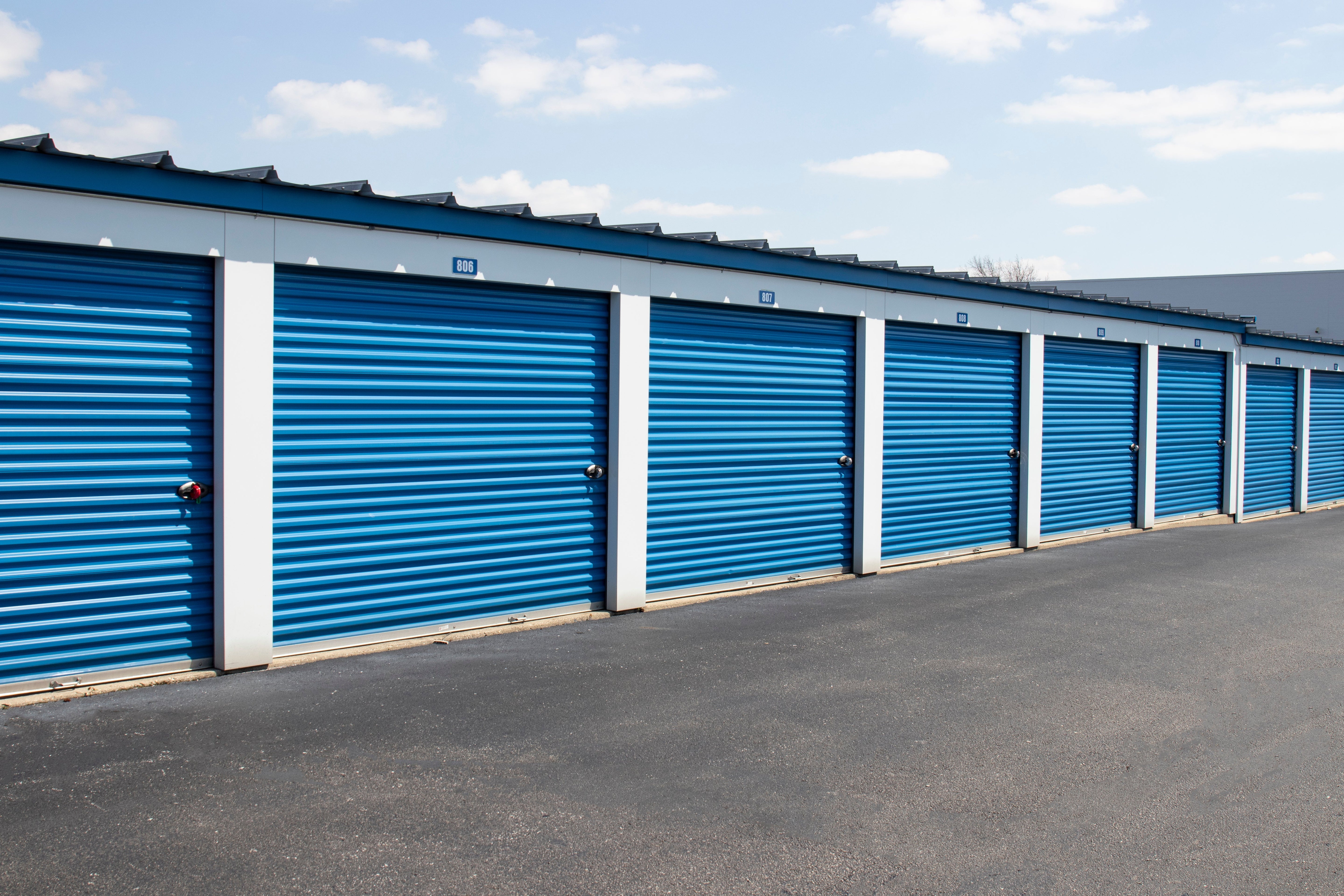
Outdoor cameras cover your entry gates, driveways, parking areas, perimeter fencing, and exterior unit rows. They face sun, rain, heat, and dust every day.
What to look for in outdoor cameras:
• IP65 or higher weather rating to handle rain and dust
• Color night vision or infrared for clear footage after dark
• Wide dynamic range (WDR) to handle bright headlights and dark shadows at the same time
• Vandal-resistant housing so cameras cannot be easily damaged or moved
• Long-range lens for large parking areas and driveways
Outdoor cameras take more abuse than indoor ones. Choose commercial-grade models built to last in harsh conditions.
Wired vs. Wireless Cameras
Wired security camera systems are the better choice for storage facilities. They give you stable video quality. They are not affected by Wi-Fi issues. And they are harder to disable than wireless cameras.
Wireless cameras can work in spots where running a cable is not practical. But they should not replace a wired system as your main setup.
Coverage Tips: Where to Place Your Cameras
Good cameras in the wrong places will still leave you with blind spots. Follow these placement tips to get full coverage across your facility.
Cover Every Entry and Exit Point
Put a camera at every gate, door, and vehicle entry. Position each one at eye level or slightly above. Cameras that are too high lose detail, you want to clearly see faces and license plates.
If your main gate has heavy traffic, use two cameras: one facing in and one facing out.
Cover All Hallways and Unit Rows
Place cameras at both ends of every hallway and outdoor unit row. For hallways longer than 80 feet, add a camera in the middle. Make sure there are no turns or corners left uncovered.
A tenant should never be out of camera range when they walk from the gate to their unit.
Watch Your Loading Areas
Loading docks and move-in zones see a lot of activity. Theft often happens here because items are out in the open. Put a dedicated camera on every loading and unloading area with a clear view of what is being moved.
Monitor the Perimeter
Cameras along your fencing and exterior walls stop break-ins before they reach your units. Use motion-activated recording here to save storage space and flag unusual activity automatically.
Outdoor cameras with color night vision and long-range lenses work best along the perimeter.
Remove Every Blind Spot
Walk your entire facility before you finalize your camera plan. Look for areas that no camera can see, corners near dumpsters, stairwells, secondary gates, and gaps between buildings are common problem spots.
Every blind spot is a risk. Fix them before you install, not after.
Key Features to Look for in a Storage Facility Camera System
Here are the features that matter most when you choose cameras for a self-storage facility.
Color Night Vision
Standard night vision gives you black-and-white footage. That makes it harder to identify vehicles by color, read clothing details, or spot other key details.
Color night vision gives you full-color footage even in the dark. Most incidents at storage facilities happen after hours. Color night vision makes a real difference when you review footage.
High Resolution
Use 1080p as a minimum. 4K cameras give you much more detail, especially when you zoom in to read a license plate or identify a face. Higher resolution also means you can cover more area with fewer cameras without losing image quality.
Motion Detection and Alerts
Cameras with motion detection can send an alert to your phone when someone enters a restricted area or triggers a camera after hours. This turns your camera system from a passive recorder into an active security tool.
Set up motion zones so you only get alerts for the areas that matter, not every car that drives past.
Cloud Storage and Local Recording
Use both. Local recording through an NVR or DVR keeps footage saved even if your internet goes down. Cloud storage gives you an offsite backup and lets you pull footage from anywhere.
Make sure your system keeps footage for at least 30 days. Some insurance policies and legal situations require it.
Live Feed Access
You should be able to watch a live feed of your facility from your phone or computer at any time. This is essential if your facility is unstaffed overnight. Look for systems with secure remote access and simple mobile apps.
System Integration
The best security cameras connect to your other security systems. When a camera detects motion, it can trigger an access control lockout or send an alert to your alarm system. Look for cameras that are compatible with your existing video surveillance platform so everything works together.
How Many Cameras Does a Self-Storage Facility Need?
There is no single answer. It depends on the size of your facility, how many entry points you have, and how your buildings are laid out.
A small single-story facility with one gate might need 8 to 12 cameras. A larger multi-building site with multiple entrances might need 30 or more.
Use this as a starting checklist:
• One camera per entry and exit point (minimum)
• One camera at each end of every hallway and unit row
• One camera per loading or unloading area
• Two to four cameras along the perimeter, depending on fence length
• One camera in the office or reception area
Add more wherever you find a blind spot during your site walkthrough.
How to Keep Your Camera System Running
A camera system only protects your facility if it is working. Build these checks into your routine:
• Clean lenses monthly. Dust and weather residue reduce image quality over time.
• Check recordings weekly. Make sure all cameras are actively recording and saving footage.
• Test night vision after dark. Walk the site at night to confirm cameras perform as expected.
• Review storage capacity. Confirm your local or cloud storage is not full and is retaining footage long enough.
• Update firmware. Keep your cameras and recording system updated to fix security issues and improve performance.
Key Takeaways
Security cameras are a core part of any self-storage security setup. Here is what to remember:
• Use outdoor cameras for gates, perimeters, and exterior rows
• Use indoor cameras for hallways, lobbies, and interior access points
• Plan your placement before you buy — remove every blind spot
• Choose cameras with color night vision, high resolution, and motion alerts
• Make sure your system supports both local recording and cloud storage
• Connect your cameras to your access control and alarm systems
Ready to upgrade your facility? Browse our full range of security cameras and surveillance systems built for self-storage.