Skip to content

Selecting the right security camera system affects how well a business monitors activity, deters threats, and reviews recorded footage. With many options on the market, understanding key differences helps narrow the decision.
This guide covers the main types of security cameras used in commercial settings, key specifications to compare, and how to match a system to your property layout and security goals.
Why Camera Selection Matters for Business Security
Not all camera systems perform equally across different environments. A warehouse requires different coverage than a retail storefront. Choosing the wrong system can result in blind spots, poor image quality, or wasted budget on features that are not needed.
Investing time in proper selection reduces the chances of costly replacements and ensures the system meets both current needs and future expansion.
Types of Security Cameras for Businesses
Each camera type is designed for specific environments and monitoring requirements.
Dome Cameras
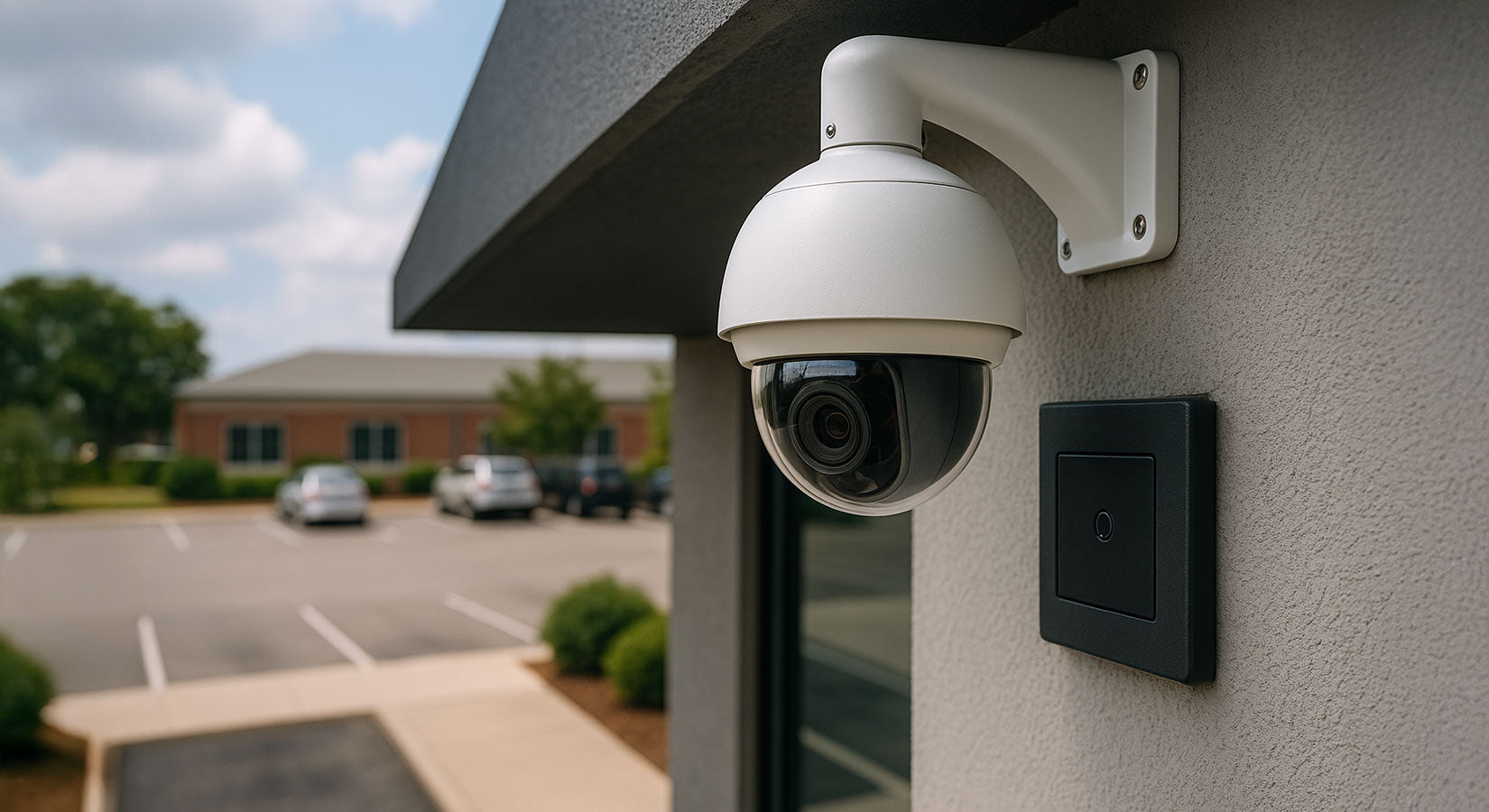
Dome cameras are enclosed in a rounded housing and are commonly used indoors. Their design makes it difficult for observers to determine the direction the camera is facing, which adds a deterrent effect.
-
Best for indoor retail, offices, and lobbies
-
Tamper-resistant design
-
Wide-angle coverage in most models
Bullet Cameras
Bullet cameras are cylindrical and typically mounted on walls or ceilings. They are well-suited for outdoor use and long-distance monitoring.
-
Ideal for parking lots, building perimeters, and entry points
-
Visible deterrent for potential intruders
-
Often include infrared for night vision
PTZ Cameras
Pan-tilt-zoom cameras offer remote-controlled movement and optical zoom. These are useful in large properties where operators need to actively track subjects or scan wide areas.
-
Best for large commercial properties and warehouses
-
Allows real-time tracking of movement
-
Covers more area than fixed cameras
IP Cameras
IP cameras connect to a network and transmit footage digitally. They offer higher resolution options and can integrate with modern video management systems.
-
Supports remote viewing over the internet
-
Higher resolution than analog options
-
Scalable for growing businesses
Key Specifications to Compare
When comparing camera models, several specifications directly impact performance.
Resolution
Higher resolution provides more detail in recorded footage. For most business applications, 1080p is a minimum standard, while 4K is preferred for areas where identification is critical.
Field of View
The lens determines how wide an area the camera can cover. Wide-angle lenses reduce the number of cameras needed but may sacrifice detail at greater distances.
Night Vision
Infrared LEDs enable cameras to capture footage in low-light or no-light conditions. The effective range varies by model and is measured in feet or meters.
Storage Options
Footage can be stored locally using NVR or DVR systems, or remotely through cloud-based solutions. Each approach has different costs, capacities, and access methods.
How to Match a System to Your Property
Start by mapping out the areas that need coverage. Identify entry points, high-traffic zones, storage areas, and any blind spots. Then match camera types and quantities to each zone.
-
Use dome cameras in customer-facing areas for discreet monitoring
-
Place bullet cameras at entrances and along building perimeters
-
Add PTZ cameras in open areas like parking lots or loading docks
-
Use IP cameras when remote access and high resolution are priorities
Integration with Other Security Systems
Modern camera systems often work alongside access control, alarm systems, and intercom solutions. Choosing a system that supports integration allows all security components to work together, improving response times and overall coverage.
Final Thoughts
Choosing the right security camera system requires understanding the layout of your property, the level of detail needed in footage, and how the system will integrate with other security tools. Taking the time to evaluate options leads to better protection and long-term value.
FAQ:
Q: What is the best security camera type for small businesses?
A: Dome cameras and IP cameras are typically the best options for small businesses. Dome cameras offer discreet indoor monitoring, while IP cameras provide remote access and higher resolution for detailed footage.
Q: How many security cameras does a business need?
A: The number depends on the size and layout of the property. Start by identifying all entry points, high-traffic areas, and storage zones. Most small to mid-sized businesses use between 4 and 16 cameras.
Q: Is cloud storage better than local storage for security cameras?
A: Cloud storage offers remote access and off-site backup, which protects footage if equipment is damaged. Local storage provides larger capacity at lower ongoing costs. Many businesses use a combination of both.